Learn
PHASE 1
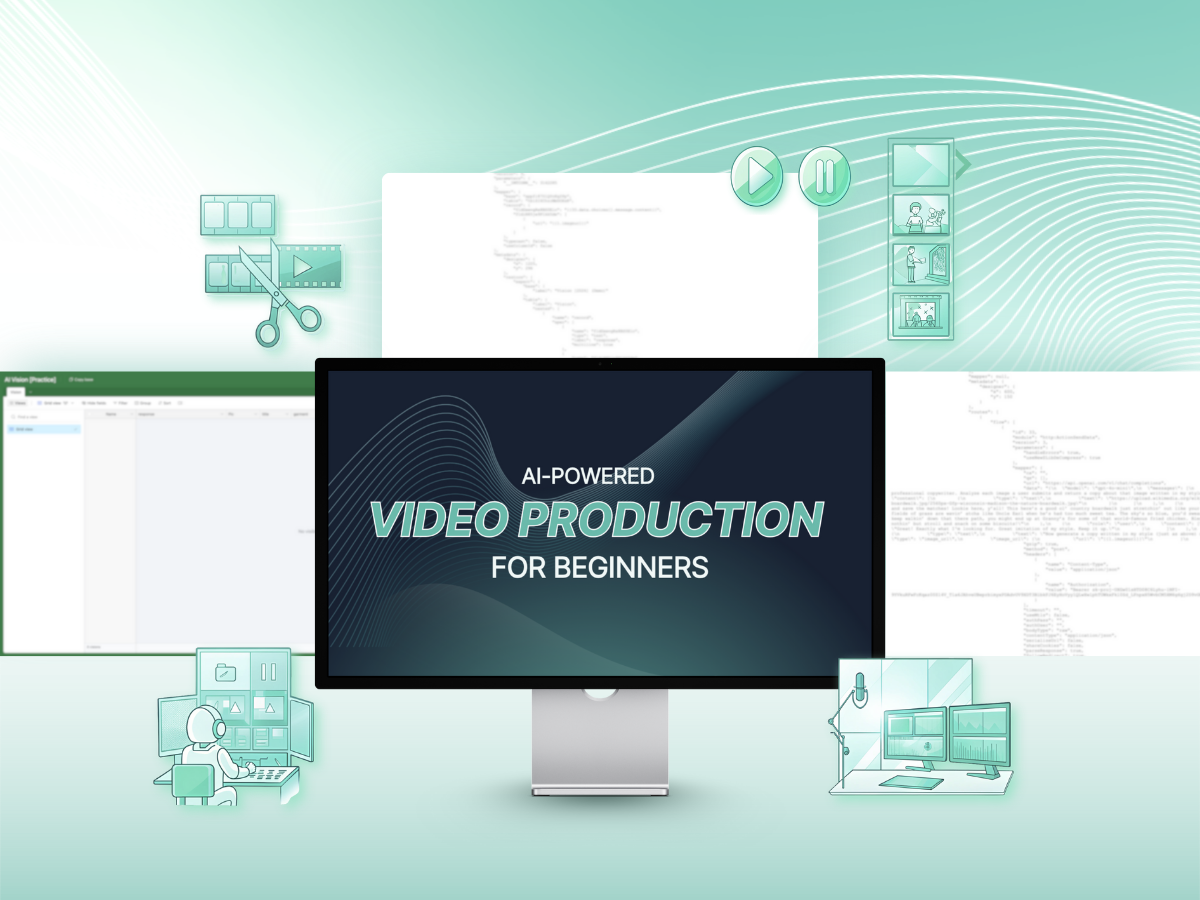
Learn the exact workflows and techniques to generate professional videos using Descript, Canva, and Minvo without technical headaches.
PHASE 2
Transform raw footage into polished content with our simplified text-based editing approach that feels like editing a document.
PHASE 3
Build a systematic process to turn one piece of long-form content into multiple platform-specific videos ready for immediate publishing.

Equip you with a complete video production system that requires zero technical expertise but delivers professional results

Master the rapid video creation process that lets you go from concept to published content in under an hour with Canva

Perfect your videos with AI-powered audio cleanup, visual enhancement, and engagement optimization with Descript
Implement the content multiplication system to automatically extract and repurpose key moments from longer content


Fion
Digital Marketing Manager, Swire Properties

Kinni
Performance Marketing Specialist, YOOX-Net-a-Porter Group

Desmond
Manager, Digital Marketing & Analytics, SmarTone

Joy
Founder, Swag Hair

Jen
Marketing Manager, G2000

Kathy
Regional Merchandising Manager, Christian Dior Couture APAC

Ronald
Marketing Executive, HKT


01
Understand the new creative possibilities AI brings to video production
at $497 value
02
Learn rapid video creation techniques focusing on speed and efficiency
at $697 value
03
Transform raw recordings into polished, professional videos without technical editing skills
at $897 value
04
Turn every recording into multiple platform-specific assets with minimal manual work
at $997 value

In prev. venture, he helped MNC, Fortune 500, listed companies in HK & US and many regional fundraised startups on growth, lead generation, digital marketing, PR, content marketing etc.
He took various roles in marketing & startup related organizations before Curator of Facebook Community Leadership Circles: HKLead of Marketing Tech Sub-com, Cyberport Alumni HK Chapter Lead of Tech in Asia & CMX HubPresident, CUHK Alumni Entrepreneur AssociationHe published marketing & startup related articles on HuffingtonPost, Tech in Asia, e27, HK01, Economic Digest, StartupBeat, PressLogic, INSIDE etc.
Yes, after completing this course you will get:
Here Is the "AI Creator's Promise" Guarantee
Try the ENTIRE THING for 30 FULL days, risk free! Go through the modules, lessons and resources... After completing all of those, if you feel like this isn't what you expected it to be, I'll send you all your money back.
Absolutely not! This course was specifically designed for beginners who want to avoid traditional video editing software entirely. If you can edit a document, you can edit a video with our AI-powered approach.
The course covers Descript, Canva, and Minvo. All three offer free trials or freemium plans so you can get started without upfront investment. For ongoing use, these tools together cost approximately $50/month, far less than hiring an editor.
We recommend 2-3 hours per week to complete the materials and practice the techniques. However, each lesson is designed to produce immediate usable content, so your learning time doubles as production time.
Absolutely! Many of our students are experienced content creators who were bottlenecked by traditional editing processes. They typically see a reduction in production time after implementing our AI workflows.
Yes! Our course leverages AI tools specifically to compensate for lack of traditional skills. We'll show you how to generate, edit, and enhance videos to a professional standard using text-based editing and AI enhancement.
It depends on your video production preference! If you want to prioritize speed in your production, you can publish your videos as soon as you've finished Module 2! If you priorize the quality of your videos, we talk about how to edit your footages in Module 3 with Descript, as soon as you complete Module 3 you're good to publish your videos!
Yes, you'll have lifetime access to the course materials and any future updates on the one-time offer. If you are on the membership plan, you will have access to all future updates (AND...all our other courses!) as long as you are subscribed to the membership.
The tools and techniques we teach work excellently for educational content, webinars, interviews, product demonstrations, and most talking-head videos. If you're creating narrative films or highly specialized content, please reach out before purchasing.
We continuously update our course content to incorporate the latest AI video tools and features. As a student, you'll have lifetime access to these updates at no additional cost.
Absolutely! Many of our students have built successful service businesses offering AI-powered video editing to clients who are amazed by both the quality and quick turnaround times.RetryClaude can make mistakes. Please double-check responses.

🔥 Join the full experience and get more than just a course
💡 Great for self-starters who want to learn on their own
.png)