Who Is This Course For?

NextMaven AI | icon

small BUSINESS OWNERS

looking to eliminate repetitive admin work

NextMaven AI | icon

MARKETING PROFESSIONALS

seeking reliable lead intake and email notifications

NextMaven AI | icon

freelancers

standardizing client onboarding to save hours weekly

Here's How It Works

Understand the Pattern

Discover the Trigger → Action → Feedback mindset that makes automation simple and repeatable.

Understand Make Essential Features

Learn how to connect apps, map data, test, fix errors, and schedule automations with ease.

Build Your First Scenario

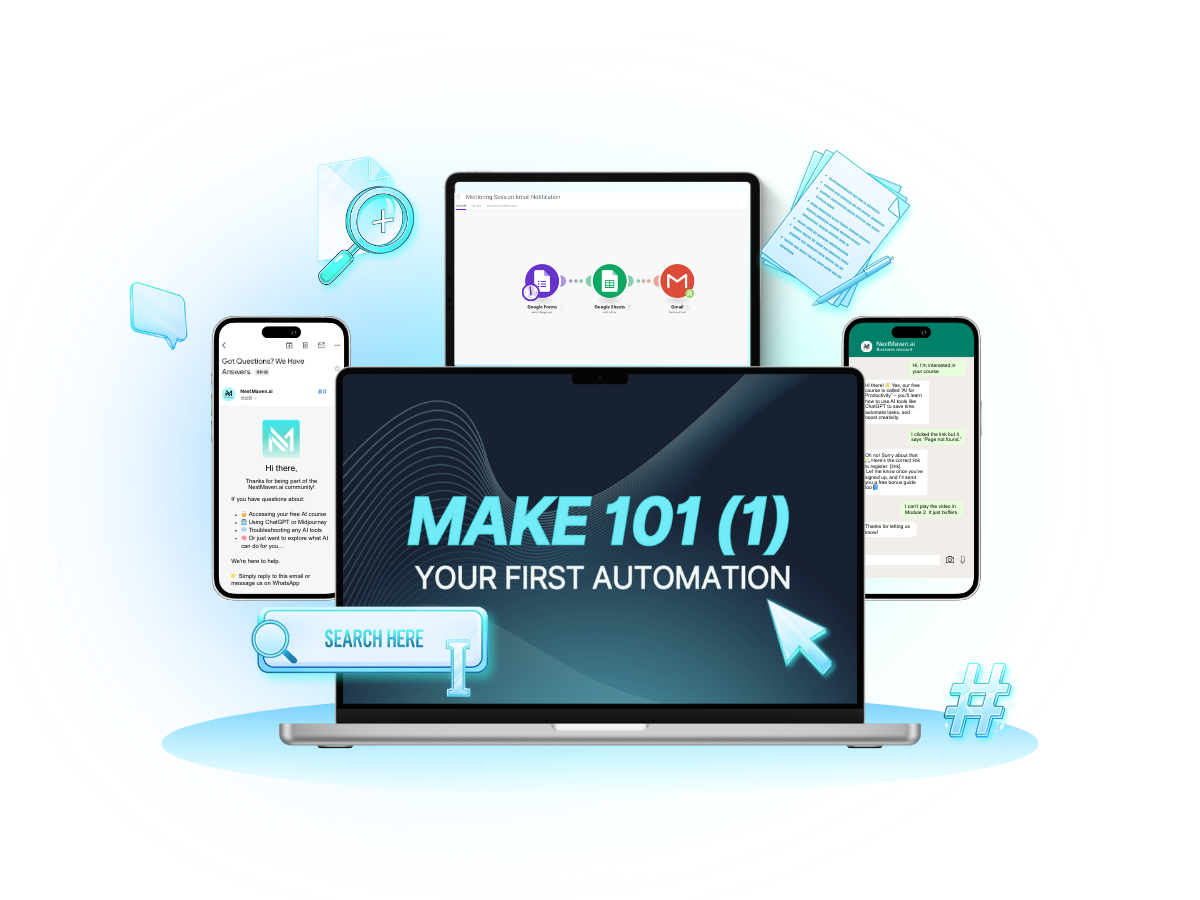
Create your first working automation — from form submission to Gmail notification — and see it live in action.

Replicate and Scale

Apply the same logic to any other process in your business — leads, client onboarding, reports, or invoices.

Meet Your Trainer

NextMaven AI | Tim Chan
Tim Chan
Founder of Growth Marketer Academy | NextMaven

In prev. venture, he helped MNC, Fortune 500, listed companies in HK & US and many regional fundraised startups on growth, lead generation, digital marketing, PR, content marketing etc.

He took various roles in marketing & startup related organizations before Curator of Facebook Community Leadership Circles: HKLead of Marketing Tech Sub-com, Cyberport Alumni HK Chapter Lead of Tech in Asia & CMX HubPresident, CUHK Alumni Entrepreneur AssociationHe published marketing & startup related articles on HuffingtonPost, Tech in Asia, e27, HK01, Economic Digest, StartupBeat, PressLogic, INSIDE etc.

Step By Step Breakdown

This is NOT going to be a "ONE-SIZE-FITS-ALL" Approach
like every other course out there teaching how to automate daily tasks.

Instead, we're going to show you how to guide you step-by-step to build a live, working scenario in Make.com.

NextMaven AI | Meaning-of-the-Fire-Emoji

Phase 1: Understand the Pattern


Master the “Trigger → Action → Feedback” mental model to decode any workflow.
Objective:
Learn to think like automation — structured, predictable, and adaptable to any business process
NextMaven AI | Star-Emojis

Phase 2: Understand Make Essential Features


Explore Make’s building blocks —
Apps, Modules, Scenarios, Data Mapping, Run Once, Scheduling, and Logs.
Objective:
Gain confidence in Make’s interface, test and debug like a pro, and schedule your first automated workflow.
NextMaven AI | Star-Emojis

Phase 3: Build Your First Scenario


Create your first live scenario:
Form → Sheets → Gmail.
Objective:
Launch a fully working automation that runs 24/7 — no code required.

In just 30 minute of action-packed content

NextMaven AI | checked
Identify the right triggers and actions for any automation.
NextMaven AI | checked
Build your first working Make scenario from scratch.
NextMaven AI | checked
Replicate the automation pattern across new business cases.

Join Make 101 now and build my first automation

NextMaven AI | gradient

FAQs

Got Questions? We’ve Got You Covered!

Do I need coding skills to take this course?

Not at all! This course is built for non-technical professionals. We use plain language and real business examples.

How long will it take to build my first automation?

Most students complete the project within an hour of starting Lesson 2.

What will I be building exactly?

A working Form → Sheets → Gmail automation that notifies you instantly when a form is submitted.

Is this course really free?

Yes — 100% free, no hidden charges or trials. Just sign up and start learning.

What if I get stuck midway?

You’ll get step-by-step video guidance and a bonus Blueprint PDF to follow along easily.

Can I use this automation for my business immediately?

Absolutely — the moment you finish Lesson 2, you’ll have a live scenario running.

What tools do I need before starting?

A free Make.com account, Google Sheets, and Gmail — that’s it.

Is there a certificate after completion?

Yes, you’ll receive a certificate to show you built and launched a working automation.

How do I get support after the course?

You’ll have lifetime access to materials and our NextMaven AI community for questions and updates.

Can this help me automate client onboarding or marketing flows?

Definitely — you’ll see how the same logic applies to leads, bookings, and notifications.

Still have questions?

We'll get back to you in 1-2 business days