Automate Marketing, Support & HR with GPT Assistants

Stop Wasting Hours on Manual Work —
Build a GPT Assistant that Understands Your Business and Gets It Done

I want to Automate My Workflows with GPT Now

You’re drowning in tasks that don’t require your brain.

Writing follow-ups, updating docs, onboarding clients, handling DMs, sorting emails—you’re doing it all, every day. But deep down, you know this isn’t scalable. It’s not why you started your business.

Which is why I created THIS COURSE FOR YOU.

Here’s the TRUTH: You don’t need to be a developer or spend $10K on a tech team to use AI in your business. With GPT Assistants + Make.com, you can build automation systems yourself—even if tech scares you.

Here's What You'll Learn

PHASE 1

GPT Assistants vs Custom GPTs

Understand exactly how GPT Assistants differ from Custom GPTs—and when to use each for business.

PHASE 2

Integrate Into Workflow

Learn how to build your own GPT Assistant and connect it with Make.com for workflow automation.

PHASE 3

Scaling with Automation

Implement real-world use cases for marketing, operations, client communication, and lead handling.

Step By Step Breakdown

Build something that’s actually yours — a smart AI workflow built around your specific business, not a one-size-fits-all chatbot.

NextMaven AI | Meaning-of-the-Fire-Emoji
GPT Assistant Level 1:
Building Your First GPT Assistant

Be able to build a fully functioning GPT Assistant using OpenAI’s platform, with custom instructions and enabled tools for automation.

Video Topics:

NextMaven AI | number-1
Introduction to GPT Assistants
NextMaven AI | number-2
How to Build GPT Assistants
NextMaven AI | number-3
Use Cases of GPT Assistants
NextMaven AI | Star-Emojis
GPT Assistant Level 2:
Enhance Your AI Workflow with Threading

Build and test a threaded GPT Assistant that integrates with Airtable and Make.com to enable context-aware automation.

Video Topics:

NextMaven AI | number-1
GPT Assistants vs Chat Completions – Key Differences
NextMaven AI | number-2
What is Threading & Why It Matters
NextMaven AI | number-3
Implementing Threading with Airtable & Make.com
NextMaven AI | Star-Emojis
GPT Assistant Level 3:
Scaling with Automation

Apply GPT Assistants in real-world marketing, support, and recruitment use cases through practical, no-code automation workflows.

Video Topics:

NextMaven AI | number-1
GPT Assistants in Marketing & Social Automation
NextMaven AI | number-2
Customer Support Automation with GPT Assistants
NextMaven AI | number-3
Crafting Compelling Social Media Content

9 videos, 2+hours
of action-packed content

NextMaven AI | checked
Understand GPT assistants vs custom GPTs: Know which one is right for your needs — and why it matters.
NextMaven AI | checked
Hands-on Build: Learn how to set up GPT Assistants from scratch using OpenAI and Make.com (no coding needed).
NextMaven AI | checked
Real Business Use Cases: Discover how GPTs can automate content creation, lead qualification, onboarding, and more.
NextMaven AI | checked
Plug-and-Play Blueprint: Walk away with a pre-built Make.com scenario you can customize and launch immediately.

Experience the confidence of building AI systems that actually run — without waiting on developers or tech support.

Time Commitment

Each module is broken down into 10-minute bite-sized lessons.

Experience

No prior experience needed - we start from absolute basics.

Tools & Software

No complicated design tools and softwares required to create professional-grade images.

Capital Required

Invest only on Midjourney and Photoshop—everything else is available on free plans.

Listen To Our Alumni

My biggest gain is the hands-on exp. of launching campaign & ad myself, so I can leverage what I learnt to push agency to work better in daily work.

Fion

Digital Marketing Manager, Swire Properties

I came across new knowledge including funnel concept, tactics of optimization, etc. I hope the real practices taught here can advance my career.

Kinni

Performance Marketing Specialist, YOOX-Net-a-Porter Group

I learnt skills and concept of growth marketing from the course, e.g. funnel concept, which helps me a lot to advance my digital career.

Desmond

Manager, Digital Marketing & Analytics, SmarTone

In 1st cohort, I am both a company partner and a participant. To me, the knowledge and mindset taught by the trainers here will go a long way for me as an entrepreneur in the next 5-10 years.

Joy

Founder, Swag Hair

Content funnel, SEM and Facebook business manager and the tools were the most useful tactics for me, as they are practical and can help for my job.

Jen

Marketing Manager, G2000

Coming from a zero marketing background, I enjoy being exposed to tools used to complete and automate the whole online marketing journey, such as Hotjar, Mailerlite.

Kathy

Regional Merchandising Manager, Christian Dior Couture APAC

Feedbacks from mentors base on the real project as these are useful information for me to understand the marketing dilemma of different industries.

Ronald

Marketing Executive, HKT

NextMaven AI | arrow, leftNextMaven AI | arrow, right

What You Will Get

01

Building Your First GPT Assistant

Learn the fundamentals of GPT Assistants, how they differ from Custom GPTs, and how to build and deploy your first assistant for real-world automation.

only at $397 value

02

Enhance Your AI Workflow with Threading

Design and build a real-world AI automation flow using GPT Assistants, Airtable, and Make

only at $697 value

03

Scaling with Automation

Apply GPT Assistants in real-world marketing, support, and recruitment use cases through practical, no-code automation workflows.

only at $997 value

Total value = $2,091
You pay = Only HKD497!

Plus...you will be getting...

01 | GPT Assistant Make Scenario Blueprint
NextMaven AI | phone, laptop, computer, analysis
NextMaven AI | tick
Automatically monitor and upload new Google Docs to a GPT Assistant’s knowledge base, and then store them in a vector store for retrieval.
02 | Make Scenario Blueprint: Airtable + GPT Assistant with Threading
NextMaven AI | phone, laptop, computer, analysis
NextMaven AI | tick
Shows how to automate context-aware AI replies using Make.com and Airtable, helping students turn theory into a working automation.
03 | Step-by-step-guide: Airtable + GPT Assistant with Threading
NextMaven AI | phone, laptop, computer, analysis
NextMaven AI | tick
Walks through the full implementation process, making it easy to build a functioning threaded AI workflow from scratch.
04 | Personal Gmail Assistant – Step-by-Step Guide & Blueprint
NextMaven AI | phone, laptop, computer, analysis
NextMaven AI | tick
Automate email responses using GPT Assistants to streamline marketing and communication workflows.
05 | Facebook Page Comments Assistant – Guide & Scenario Blueprint
NextMaven AI | phone, laptop, computer, analysis
NextMaven AI | tick
Helps set up AI-powered social engagement by auto-replying to comments for better audience interaction.
06 | Customer Support Ticket Prioritization Flow – Airtable & Make Blueprint
NextMaven AI | phone, laptop, computer, analysis
NextMaven AI | tick
Automate ticket triage and response prioritization for faster, smarter customer support.
07 | Resume Analysis for Recruitment – Full Workflow Setup Pack
NextMaven AI | phone, laptop, computer, analysis
NextMaven AI | tick
Teaches how to build an AI assistant that screens resumes and matches candidates based on job fit.

Meet Your Trainer

NextMaven AI | Tim Chan
Tim Chan
Founder of Growth Marketer Academy | NextMaven

Before You Ask

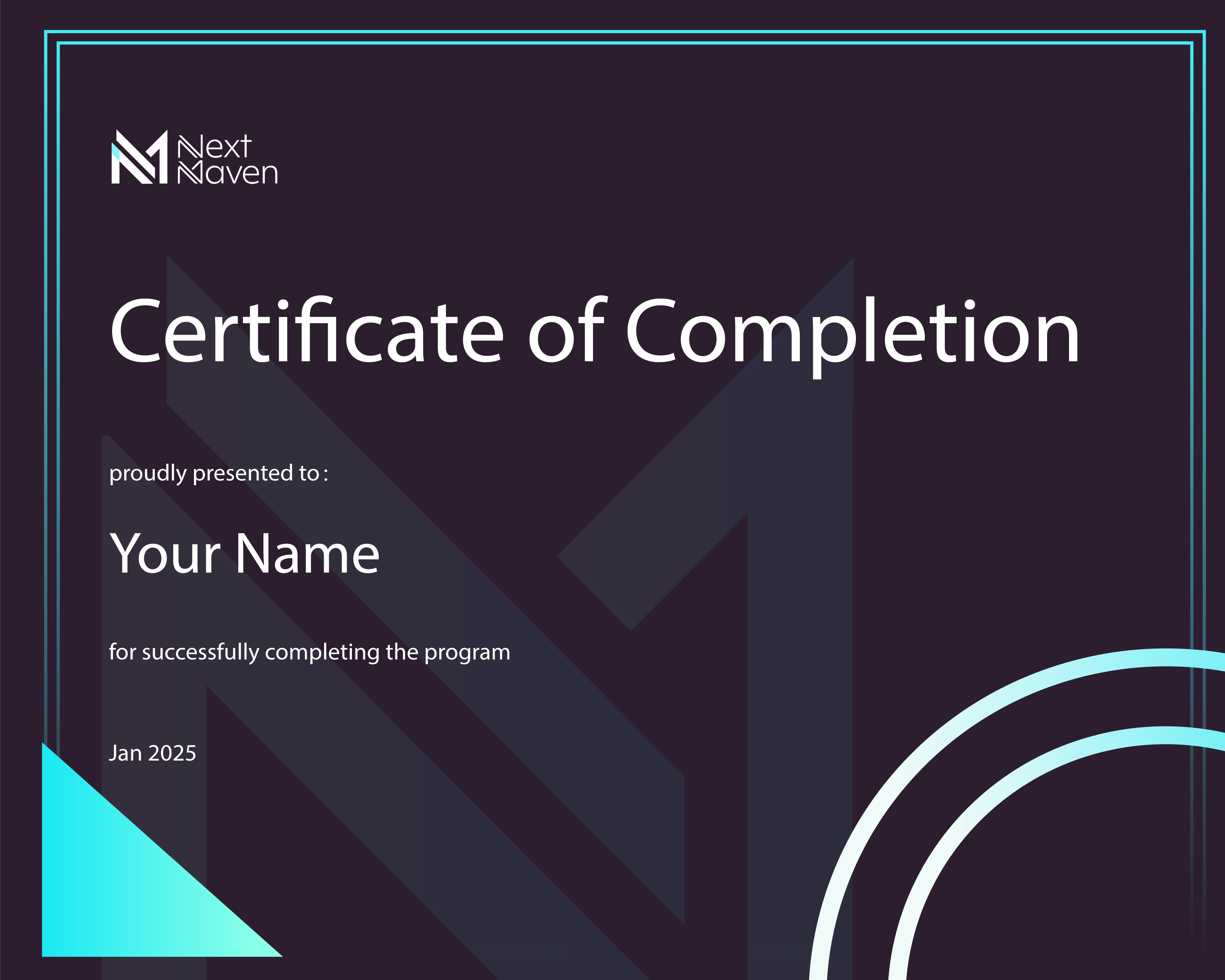
Yes, after completing this course you will get:
NextMaven AI | cert, certificate

Risk guarantee

Here Is the "AI Creator's Promise" Guarantee
Try the ENTIRE THING for 30 FULL days, risk free! Go through the modules, lessons and resources... After completing all of those, if you feel like this isn't what you expected it to be, I'll send you all your money back.

That's right. All you need to do is to email me with your receipt with the title "AI Creator's Promise" and I'll give you back your money with no questions asked. Sounds fair?

FAQs

What’s the difference between a GPT Assistant and a Custom GPT?

A GPT Assistant is a task-focused AI built within ChatGPT’s team feature—ideal for handling workflows and business automation using tools like Make.com.

A Custom GPT is a branded chatbot with a set personality and behavior, best for client-facing experiences or internal tools that need consistency and context.

Which one should I build first?

If your goal is automation and saving time with repetitive tasks (like sorting leads or summarizing messages), start with a GPT Assistant.

If you want a branded assistant (e.g., for customer support or coaching clients), start with a Custom GPT.

How much time do I need to dedicate to this course each week?

We recommend 2-3 hours per week to go through the materials and practice the techniques. However, the course is self-paced, so you can adjust based on your schedule.

Do I need to know how to code?

Nope! This course is designed for non-tech users. Everything is explained step-by-step, and you'll use no-code tools like Make.com.

Can I use both at the same time?

Absolutely. In fact, combining both can supercharge your workflows—use GPT Assistants for backend logic and automation, and Custom GPTs for frontend experiences.

Will I be able to automate real business processes after this course?

Yes! You’ll learn how to connect your GPT Assistant to tools like Slack, Notion, and Gmail using Make.com to handle real tasks like lead response, content summaries, and follow-ups.

Still have questions?

We'll get back to you in 1-2 business days