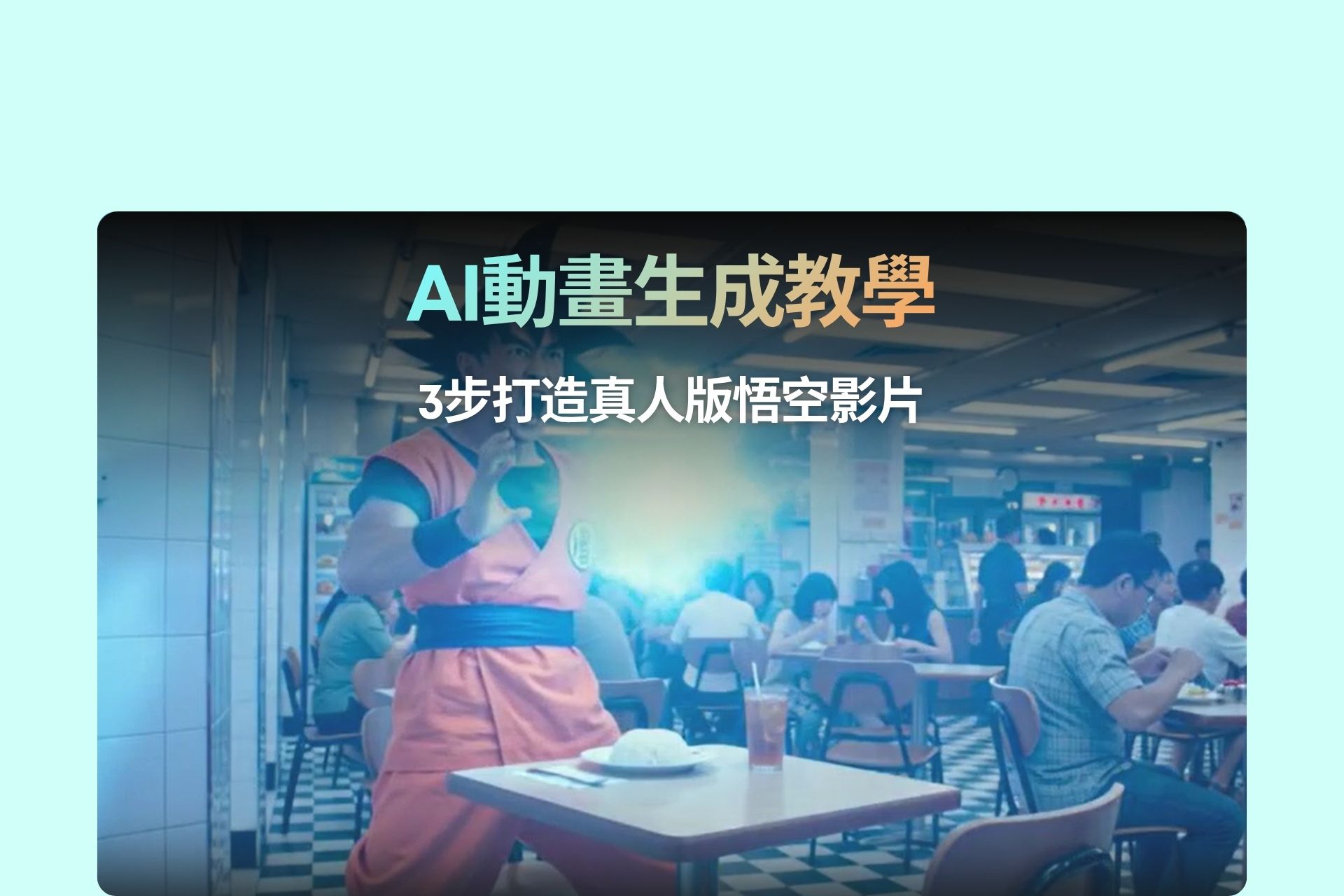
開場:點解你嘅AI動畫「唔似樣」?
你有冇試過,用AI做動漫角色影片,結果出嚟嘅角色完全唔似?
頭髮唔對、樣唔似、甚至連服裝都走樣。
特別係當你想做「真人版動漫角色」,例如悟空——問題會更加明顯。
AI其實唔係唔識,而係你冇「教清楚」。
大部分人嘅問題有三個:
- 角色描述太模糊
- 冇參考圖
- Prompt冇結構
結果就係:
👉 AI自由發揮 = 完全失控
而專業創作者其實已經用緊一套流程,去控制AI輸出:
👉 文字控制(Prompt) + 圖像控制(Reference) + 工具串接(Workflow)
今篇會用「真人版悟空」做例子,教你由零開始整一條高質AI影片。
Step 1:寫一個AI可以理解嘅「電影級Prompt」
AI生成影片最核心唔係工具,而係Prompt。
你要記住一件事:
👉 AI唔識「悟空」,只識描述
所以你唔可以只寫:
❌ "Son Goku fighting"
你要寫到咁👇
Prompt: All dialogue in this video must be spoken in Cantonese (粵語).

A realistic Son Goku, with wild spiky black hair, wearing a bright orange martial arts gi with a blue undershirt, blue belt, and blue wristbands.

His physique is athletic and muscular, with defined arms and a confident yet cheerful expression.
🔑 高質Prompt 3大元素
1️⃣ 角色外觀(一定要詳細)
- 髮型
- 衣著
- 身形
- 表情
👉 AI靠呢啲「拼湊角色」
2️⃣ Scene設計(電影感關鍵)
Scene 1:
A cinematic sunrise over a rocky mountain landscape...
👉 加:
- 光線(sunrise / cinematic lighting)
- 環境(mountain / city)
- 動作(standing / jumping)
3️⃣ 對白 + 語言控制
Goku (in Cantonese):
「今日又係變強嘅好日子!」
👉 一定要寫:
- 語言(粵語)
- 語氣(熱血 / 搞笑)
Step 2:用Seendance生成影片(第一次嘗試)
當你有咗Prompt,可以直接用Seendance生成。
但現實係——
👉 多數會「唔似悟空」
原因係:
- AI冇固定角色樣貌
- 冇reference image
Step 3:用Nano Banana解決「角色唔似」問題
呢一步係最關鍵。
你要做嘅係:
👉 先整一張「真人版悟空」
Prompt:
Transform this anime character into a realistic live-action photograph. Maintain the same hairstyle, outfit, and overall appearance. Make the skin realistic, lighting cinematic, and facial features human-like while preserving the character identity.
👉 Upload:
- 一張悟空anime圖
👉 Output:
- 真人版悟空 reference
Step 4:用「圖片 + Prompt」再生成影片(關鍵升級)
而家你再返去Seendance,但今次唔同:
👉 一定要Upload圖片 + 改Prompt
This man with wild spiky black hair, wearing a bright orange martial arts gi with a blue undershirt, blue belt, and blue wristbands (refer to attached image).
🔥 必加關鍵句
- refer to attached image
- follow the appearance closely
- maintain consistent face
👉 呢幾句 = 控制AI唔亂改樣
點解呢個Workflow有效?
因為你做咗三層控制:
1️⃣ Prompt控制(文字)
👉 定義角色 +故事
2️⃣ Image控制(視覺)
👉 固定樣貌
3️⃣ 工具分工(Workflow)
- Nano Banana → 生真人角色
- Seendance → 生影片
常見錯誤(99%人中招)
❌ 錯誤1:只用文字
👉 AI會亂生成樣貌
❌ 錯誤2:描述太短
👉 AI理解錯角色
❌ 錯誤3:冇寫「refer to image」
👉 AI唔理你張圖
進階玩法:點樣令影片更易爆?
當你掌握基本流程,可以開始做內容優化:
🎯 1️⃣ 加「反差感」
- 悟空打工
- 悟空食茶餐廳
🎯 2️⃣ 加粵語文化
- 地道對白
- 港式幽默
🎯 3️⃣ 做系列內容
- 每集一個故事
- 固定角色
👉 呢個先係真正可以做IP嘅玩法
總結
如果你之前做AI動畫成日失敗,其實唔係工具問題。
而係你未用對方法。
記住呢個核心:
👉 AI影片成功 = Prompt + Reference + Workflow
當你開始用:
- 詳細角色描述
- 真人reference image
- 清晰scene設計
你就會發現——
AI唔再亂嚟,而係開始「跟你意思做」。
而呢一刻,你先真正開始用AI創作內容,而唔係被AI控制。