
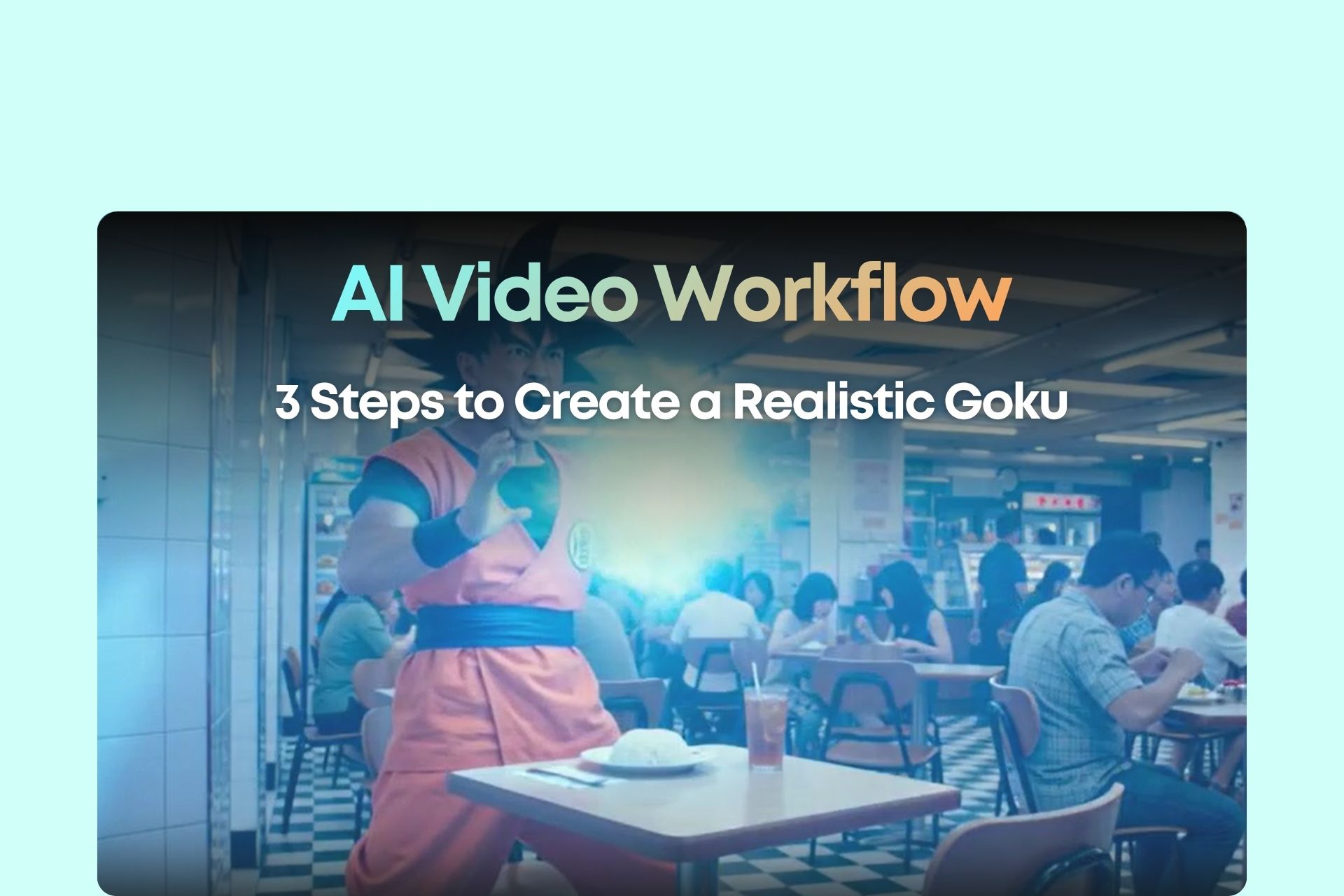
Introduction: Why Your AI Character Doesn’t Look Right
Have you ever tried generating an AI anime character video… only to end up with something completely off?
Wrong hairstyle. Wrong outfit. Generic face. Zero resemblance.
This becomes even worse when you're trying to create a live-action version of an anime character like Goku.
Here’s the truth most people miss:
👉 AI doesn’t “know” Goku — it only understands descriptions.
And that’s where most creators fail.
They rely on:
- Short prompts
- No reference images
- No structured scenes
Which leads to:
👉 AI guessing everything = inconsistent results
Professional creators solve this differently.
They use a 3-layer control system:
- Prompt (text control)
- Image (visual control)
- Workflow (tool integration)
In this guide, you’ll learn exactly how to apply this system to create a realistic Goku AI video step by step.
Step 1: Write a Cinematic AI Video Prompt
Your results are only as good as your prompt.
Most people write something like:
❌ “Goku fighting”
That will never work.
Instead, you need structured, detailed prompts like this:
Prompt: All dialogue in this video must be spoken in Cantonese (粵語).

A realistic Son Goku, with wild spiky black hair, wearing a bright orange martial arts gi with a blue undershirt, blue belt, and blue wristbands.

His physique is athletic and muscular, with defined arms and a confident yet cheerful expression.
Key Elements of a High-Quality Prompt
1️⃣ Character Description (Non-negotiable)
Include:
- Hair
- Outfit
- Body type
- Facial expression
👉 AI builds the character from these details.
2️⃣ Scene Design (Cinematic Feel)
Scene 1:
A cinematic sunrise over a rocky mountain landscape...
Add:
- Lighting (sunrise, cinematic lighting)
- Environment (mountains, city, etc.)
- Actions (standing, jumping, training)
3️⃣ Dialogue + Language Control
Goku (in Cantonese):
“今日又係變強嘅好日子!”
Always specify:
- Language (Cantonese)
- Tone (funny, intense, emotional)
Step 2: Generate with Seendance (First Attempt)
Now you paste your prompt into Seendance and generate.
But here’s what usually happens:
👉 The character doesn’t look like Goku
Why?
Because:
- No fixed visual reference
- AI improvises the face
Step 3: Fix Character Accuracy with Nano Banana
This is the most important step.
Instead of relying only on text, you create a visual anchor.
Use this prompt:
Transform this anime character into a realistic live-action photograph. Maintain the same hairstyle, outfit, and overall appearance. Make the skin realistic, lighting cinematic, and facial features human-like while preserving the character identity.
What you do:
- Upload a Goku anime image
- Generate a realistic version
👉 This becomes your reference image
Step 4: Combine Image + Prompt in Seendance (Critical Step)
Now go back to Seendance.
This time:
- Upload the generated image
- Modify your prompt
This man with wild spiky black hair, wearing a bright orange martial arts gi with a blue undershirt, blue belt, and blue wristbands (refer to attached image).
Add these control phrases:
- refer to attached image
- follow the appearance closely
- maintain consistent face
👉 These lines force the AI to respect your reference image.
Why This Workflow Works
You’re no longer relying on a single input.
You’re controlling AI on 3 levels:
1️⃣ Prompt (Text)
Defines story, character, and scenes
2️⃣ Image (Visual)
Locks in character appearance
3️⃣ Workflow (System)
Each tool does one job:
- Nano Banana → realistic character
- Seendance → video generation
Common Mistakes (Avoid These)
❌ Only using text
👉 Results = inconsistent faces
❌ Weak descriptions
👉 AI guesses incorrectly
❌ Not referencing the image
👉 AI ignores your uploaded image
Advanced Tips: Make Your Video Go Viral
Once you master the workflow, you can level up your content.
🎯 Add Contrast
- Goku working a job
- Goku in modern city life
🎯 Localize Content
- Cantonese humor
- Cultural references
🎯 Build a Series
- Same character
- Different scenarios
👉 This is how you turn AI videos into a scalable content system.
Conclusion
If your AI videos have been inconsistent or disappointing, the issue isn’t the tool.
It’s the method.
The winning formula is simple:
👉 Prompt + Reference Image + Workflow
Once you apply:
- Detailed character descriptions
- Realistic reference images
- Structured scene prompts
You’ll notice a huge shift:
AI stops guessing—and starts following your direction.
That’s when you move from “playing with AI”… to actually creating with it.
















