如果你有做 AI content creation,你可能已經遇過呢個情況:
你用 AI 做咗一條 超靚嘅影片。
畫面 cinematic、動作 smooth、風格完美。
但一到 聲音部分就崩壞。
可能係:
- 麥克風音質唔好
- 錄 voiceover 錄到第 12 take
- AI video 工具冇 voice 功能
- 要用 3–5 個工具先完成一條影片
典型 workflow 係咁:
AI image generator →
video animation tool →
voiceover software →
translation tool →
lip sync tool →
video editor
結果?
內容 production 慢、貴、亂。
而音訊其實係 至少佔觀看體驗一半。
如果畫面好,但聲音唔對,整個內容即刻跌 grade。
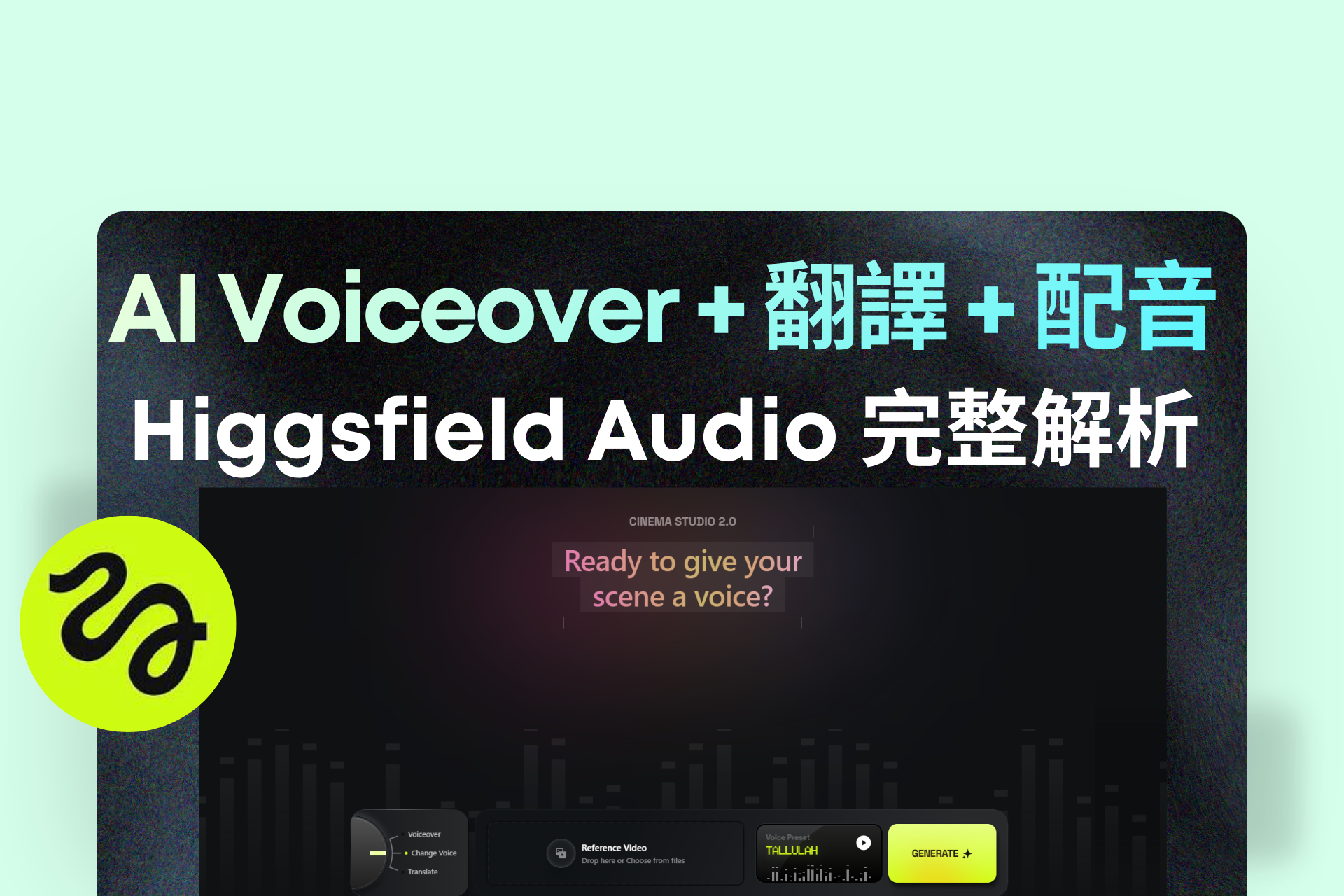
呢個正正係 Higgsfield Audio 解決嘅問題。
Higgsfield 最新推出嘅 Audio module,將:
- AI voiceover
- voice swapping
- video translation
- lip sync
全部整合成 一個 end-to-end workflow。
換句話講:
你可以 由 script → voice → video → translation
全部喺同一平台完成。
今篇文章會帶你了解:
- Higgsfield Audio 3 大核心功能
- 10 個最強 content use cases
- 點樣用 AI voice 放大內容產能
- 點樣用一條影片打入全球市場
如果你做:
- YouTube / TikTok content
- AI filmmaking
- faceless channels
- course creation
- marketing videos
呢個工具可能會 完全改變你嘅內容 workflow。
Higgsfield Audio 是什麼?
Higgsfield Audio 係一個 AI audio production suite,整合三個主要功能:
1️⃣ AI Voiceover(Text → Speech)
2️⃣ Change Voice(Voice Swap)
3️⃣ Translate + Lip Sync
簡單講:
你可以 為任何影片生成聲音、換聲、翻譯聲音。
而且全部 唔需要離開 Higgsfield 平台。
功能一 — AI Voiceover(Text → Speech)
AI Voiceover 可以將 文字直接變成 narration。
你只需要:
1️⃣ 輸入 script
2️⃣ 選擇 voice
3️⃣ click Generate
就會得到一段 studio-quality narration。
支援功能
- 21 種 voice presets
- 多個 AI voice models
- 70+ input languages
AI voice models 包括:
- Eleven v3
- MiniMax Speech 2.8 HD
- CosyVoice
- VibeVoice
21 種 Voice Presets
系統提供:
- 11 female voices
- 10 male voices
例如:
Female voices
- Tallulah → cinematic narration
- Mabel → warm storytelling
- Hana → energetic tutorial voice
- Skye → lifestyle / fashion tone
Male voices
- Roman → bold documentary voice
- Harrison → premium brand storytelling
- Leo → casual conversational tone
- Gideon → mysterious cinematic tone
即係話:
你可以為每條影片選擇 最適合角色或品牌嘅聲音。
功能二 — Change Voice(AI Voice Swap)
Change Voice 功能可以:
直接替換影片原本嘅聲音。
例如:
你錄咗一條影片,但:
- 聲音太 casual
- tone 不夠 cinematic
- 唔符合品牌
你唔需要重新錄。
只需要:
1️⃣ Upload video
2️⃣ 選 voice preset
3️⃣ Generate
影片聲音即刻 完全改變。
常見使用場景
Example 1:品牌影片
casual voice →
professional narrator
Example 2:AI film
普通 voice →
deep cinematic narrator
Example 3:character dubbing
一條影片可以有:
- narrator
- protagonist
- villain
用不同 AI voices 完成。
功能三 — AI Video Translation + Lip Sync
呢個係 最 powerful 功能之一。
Higgsfield 可以:
- 翻譯影片語音
- 自動配音
- 自動 lip-sync
目前支援 10 種語言:
🇺🇸 English
🇨🇳 Chinese
🇫🇷 French
🇮🇳 Hindi
🇮🇹 Italian
🇯🇵 Japanese
🇰🇷 Korean
🇧🇷 Portuguese
🇷🇺 Russian
🇹🇷 Turkish
更多語言將會加入。
點解 Lip Sync 重要?
如果只係翻譯 voice:
嘴型通常 唔 match。
觀眾會覺得:
「好假」。
Higgsfield 會:
自動同步嘴型。
令翻譯影片 看起來像原生語言影片。
10 個最強 Higgsfield Audio 使用場景
1. 沒有好的 voiceover
痛點:
很多 creators:
- voice 不夠好
- 麥克風不好
- 不喜歡錄音
解決:
script → AI narration
適用:
- YouTube explainer
- TikTok storytelling
- Instagram reels
2. 錄 voiceover 太花時間
傳統流程:
寫 script →
錄音 →
剪輯 →
降噪 →
重錄
可能 30–60 分鐘。
AI voice:
1 分鐘完成。
3. Faceless YouTube channels
Faceless creators:
不想公開聲音。
AI voice 可以:
- narration
- storytelling
- documentary style
保持 匿名但專業。
4. AI films / animation 配音
AI filmmakers 常見問題:
- 沒有 voice actors
- 每個角色聲音不同
Higgsfield:
用不同 voices →
完成整套對話。
5. 修正影片聲音
拍完影片才發現:
- voice 太 soft
- 情緒不夠
- brand tone 不 match
Change Voice 可以 一鍵替換。
6. 影片多語言版本
以前流程:
script → translator →
voice actor →
editor → lip sync
成本 非常高。
現在:
upload video → translate → done。
7. 全球 audience expansion
很多 creators 卡住:
只做一種語言市場。
Higgsfield 可以:
English video →
Japanese / Mandarin / French
一次變 全球內容。
8. 文字內容變影片
很多企業有:
- blog
- newsletter
- manuals
但沒有 video team。
AI workflow:
blog → voiceover → slideshow video。
9. 建立品牌聲音
品牌通常希望:
所有影片有 同一 narrator voice。
Higgsfield 可以:
2 分鐘 clone voice。
之後所有:
- ads
- tutorials
- product demos
都用同一聲音。
10. 減少工具數量
傳統 AI workflow:
image tool
video tool
voice tool
translation tool
lip sync tool
非常混亂。
Higgsfield:
一站式完成。
如何在 2 分鐘內 Clone 自己的聲音
步驟非常簡單:
Step 1
選擇:
Voiceover 或 Change Voice
Step 2
打開 Voice Preset
click Add Voice
Step 3
上傳:
- MP3
- WAV
或者直接錄音。
最長 2 分鐘。
Step 4
click Clone Voice
完成。
你嘅 voice 就會儲存,可以:
- voiceover
- voice swap
重複使用。
如何開始使用 Higgsfield Audio(簡單 Workflow)
Voiceover
1️⃣ 選 Voiceover
2️⃣ 輸入 text
3️⃣ 選 voice
4️⃣ Generate
Change Voice
1️⃣ Upload video
2️⃣ 選 voice preset
3️⃣ Generate
Translate
1️⃣ Upload video
2️⃣ 選語言
3️⃣ Generate
Practical Implementation:AI Content Production Workflow
推薦 workflow:
1️⃣ 用 AI 生成 visuals
2️⃣ 用 Higgsfield Voiceover 加 narration
3️⃣ 用 Change Voice 調整 tone
4️⃣ 用 Translate 生成多語言版本
結果:
一條影片可以:
- TikTok
- YouTube
- 全球市場
全部 reuse。
Conclusion
AI content creation 正在快速進化。
過去創作者最大痛點之一係:
聲音 production。
你可能需要:
- voiceover software
- translation tools
- dubbing tools
- lip-sync AI
而每一個都係 不同平台。
Higgsfield Audio 最大價值係:
將所有音訊功能整合。
Voiceover、voice swap、translation、lip sync。
全部一個 workflow。
對 creators 來說,這意味著:
- 更快 production
- 更低成本
- 更全球化 audience
未來 AI content production 很可能會變成:
一個平台 →
完成整個內容 pipeline。
而 Higgsfield Audio 正在朝這個方向前進。