
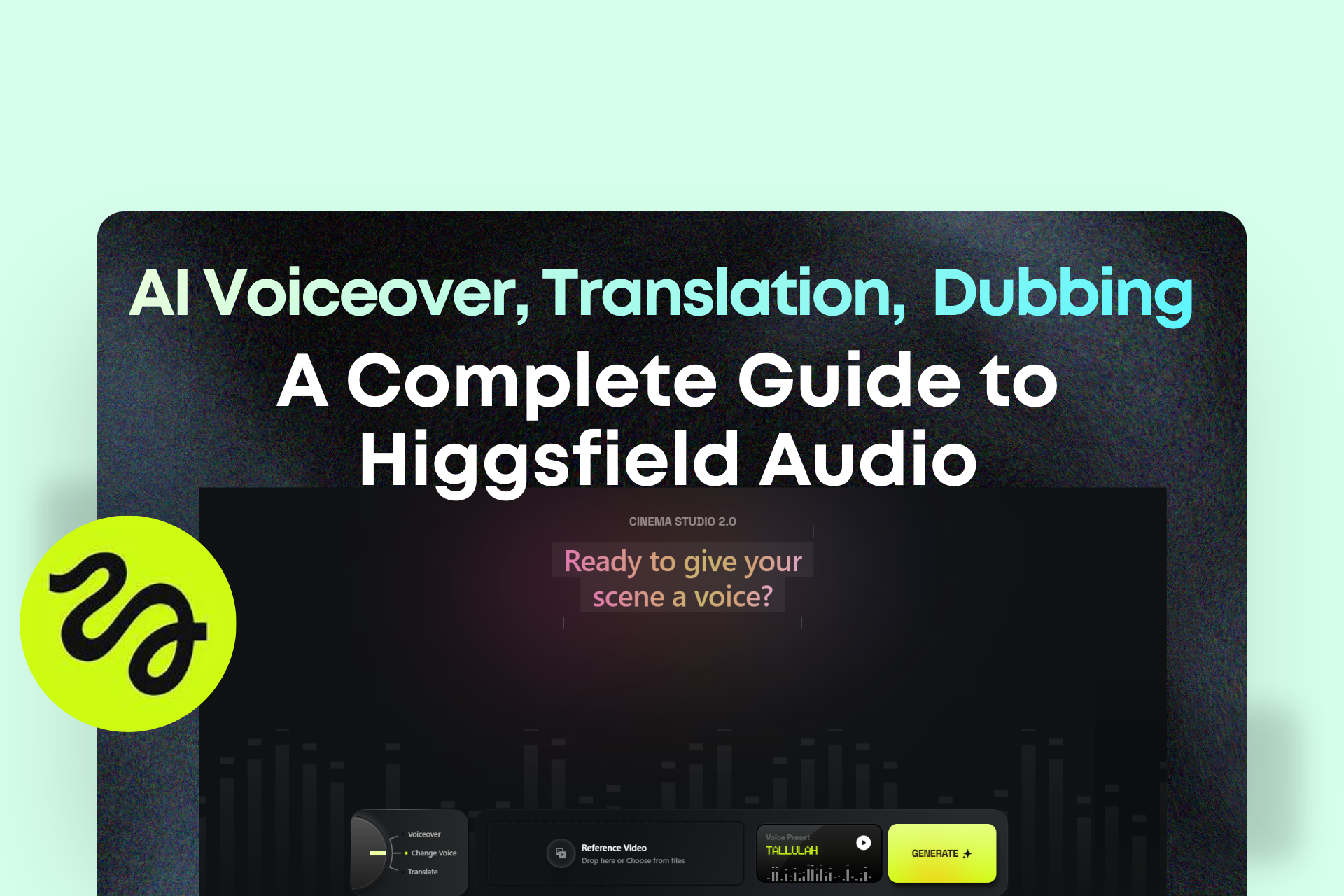
What Higgsfield Audio Can Do for AI Creators
AI content creation has advanced dramatically over the past few years. Today, creators can generate cinematic visuals, animate characters, and produce entire scenes using generative AI. Yet one major gap has remained in the workflow: audio.
Even when visuals look stunning, poorly matched audio can instantly break immersion. Many creators still rely on multiple tools to produce a single piece of content:
- Generate visuals in one platform
- Animate or edit video in another
- Record voiceovers separately
- Translate content using additional software
- Sync lips and audio in another tool
This fragmented process slows production, increases costs, and makes scaling content difficult.
Higgsfield Audio aims to solve that problem by bringing audio generation, voice editing, and translation into a single AI production environment.
With the introduction of Voiceover, Change Voice, and Translate, Higgsfield now functions as an end-to-end AI content production platform.
Higgsfield Audio Overview
Higgsfield Audio introduces three major capabilities that simplify AI-driven content workflows:
- AI Voiceover (Text-to-Speech)
- Voice Change (Voice Swapping)
- Video Translation with Lip-Sync
Together, these tools allow creators to generate professional audio, modify existing voice tracks, and localize content for international audiences—all inside the same platform.
This integration eliminates the need to switch between multiple tools and subscriptions just to produce complete video content.
AI Voiceover: Turn Text Into Professional Narration
The Voiceover feature converts written text into natural-sounding narration.
Creators simply input their script, choose an AI voice model, select a voice preset, and generate the audio.
This functionality is especially useful for creators who want professional voiceovers without recording their own voice.
Key Capabilities
- Convert text scripts into audio instantly
- Choose from 21 voice presets (11 female, 10 male)
- Support for 70+ input languages
- Multiple AI voice models available
The available voice models include:
- Eleven v3
- MiniMax Speech 2.8 HD
- CosyVoice
- VibeVoice
These models provide different styles and tonal qualities, giving creators flexibility depending on the type of content they produce.
For example, a documentary video may require a deep cinematic voice, while a tutorial might benefit from an energetic and clear narrator.
Voice Presets for Different Content Styles
Higgsfield provides a diverse library of voices designed for different storytelling styles.
Some examples include:
Female voices
- Tallulah – Bold cinematic narration suited for trailers and dramatic storytelling
- Mabel – Warm, calming tone ideal for memoirs and guided content
- Hana – Energetic and professional voice suited for tutorials
- Skye – Light and polished tone commonly used in lifestyle or fashion content
Male voices
- Roman – Strong and bold delivery suited for high-impact storytelling
- Sterling – Warm, epic narration style for documentaries
- Leo – Casual conversational tone
- Harrison – Commanding voice suited for premium brand storytelling
This range allows creators to match voice tone with the narrative style of their content.
Change Voice: Replace Audio Without Re-Recording
The Change Voice tool allows creators to replace the original voice in a video with a different AI-generated voice.
This feature is useful when the original recording does not match the tone of the video or brand.
Instead of re-recording the entire voiceover, users can simply upload the video, select a new voice, and generate a replacement.
Common Use Cases
Brand videos
If a recorded voice sounds too casual, it can be replaced with a professional narrator.
Storytelling content
Creators can upgrade narration to a cinematic voice for stronger emotional impact.
Character dubbing
Different characters within a video can be assigned different voice styles.
This capability makes it easier for smaller creators to produce content that previously required professional voice actors.
Video Translation with Automatic Lip Sync
One of the most powerful features of Higgsfield Audio is its video translation system.
Creators can upload a video and translate its speech into multiple languages while maintaining synchronized lip movements.
The platform currently supports translation into the following languages:
- English
- Chinese (Mandarin)
- French
- Hindi
- Italian
- Japanese
- Korean
- Portuguese
- Russian
- Turkish
Additional languages are expected to be added in future updates.
Lip-sync technology ensures that translated audio aligns with the speaker’s mouth movements, creating a more natural viewing experience.
This makes the translated version appear as if it were originally recorded in the target language.
Voice Cloning in Under Two Minutes
Higgsfield Audio also allows creators to clone their own voice.
The process is simple and takes only a few steps:
- Choose either Voiceover or Change Voice
- Open the Voice Preset menu
- Select Add Voice
- Upload a voice recording or record directly on the platform
- Click Clone Voice
Users can upload an MP3 or WAV file or record a short audio sample of up to two minutes.
Once the cloning process finishes, the custom voice becomes available for use in both Voiceover and Change Voice tools.
This enables creators to maintain a consistent voice across different projects without needing to record new audio every time.
Practical Use Cases for Higgsfield Audio
Creating Voiceovers Without Recording
Many creators produce high-quality visuals but struggle with voice recording.
Common problems include:
- Poor microphone quality
- Lack of confidence in narration
- Time spent recording multiple takes
With AI voiceover, creators can simply input a script and generate studio-quality narration.
This is particularly useful for:
- YouTube explainer videos
- Instagram Reels narration
- TikTok storytelling content
Saving Time on Voice Production
Recording voiceovers traditionally requires several steps:
- Recording multiple takes
- Editing and trimming audio
- Removing background noise
- Exporting final audio
This process can take 30–60 minutes for a short video.
AI voiceover generation can reduce that process to less than a minute.
Supporting Faceless Content Creators
Many creators run faceless YouTube channels or social media pages where they prefer not to reveal their identity.
These channels still require narration to tell stories or explain topics.
AI voice tools allow creators to publish professional content without using their own voice.
AI Filmmaking and Character Voices
AI-generated films and animations often require multiple characters with different voices.
Instead of hiring voice actors, creators can assign different AI voices to each character.
For example:
- Narrator voice
- Protagonist voice
- Antagonist voice
This allows small teams or solo creators to produce more complex narrative content.
Fixing Voice Tone After Recording
Sometimes a video is recorded successfully but the voice tone does not match the intended style.
For example, the voice may sound:
- Too casual
- Too soft
- Not dramatic enough
Using the Change Voice feature, creators can replace the audio track with a more suitable voice without recording again.
Repurposing Content into Multiple Languages
Expanding content into new language markets traditionally requires multiple steps:
- Translate the script
- Hire voice actors
- Record new narration
- Edit the video
- Synchronize audio
Higgsfield Audio compresses this workflow into a single process.
Creators can upload a video and generate translated versions with synchronized audio automatically.
Expanding Global Reach
Many creators are limited by the language of their original content.
For example:
- English creators may struggle to reach Asian audiences
- Chinese creators may have limited exposure in Western markets
By translating videos into multiple languages, creators can reach entirely new audiences without producing new content from scratch.
Converting Written Content Into Video
Businesses often have large libraries of written content such as:
- Blog posts
- Training manuals
- Newsletters
- Educational guides
These materials can be converted into video narration using AI voiceover.
A written article can quickly become a narrated video presentation.
This makes it easier to repurpose existing content for video platforms.
Creating a Consistent Brand Voice
Companies often want a recognizable narrator voice across their marketing materials.
However, repeatedly hiring voice actors can be expensive.
With voice cloning, brands can create a single consistent voice identity and reuse it across:
- Advertisements
- Product demonstrations
- Tutorials
- Podcasts
Simplifying the AI Production Workflow
Traditional AI video production often involves multiple tools:
- Image generation tools
- Animation platforms
- Voiceover generators
- Translation software
- Lip-sync tools
- Video editing programs
Managing all of these tools can make the production pipeline complicated.
Higgsfield Audio simplifies this process by bringing multiple audio capabilities into a single platform.
As a result, creators can focus more on storytelling and less on managing complex production workflows.
Final Thoughts
Audio plays a critical role in video storytelling, yet it has often been the most fragmented part of AI content creation workflows.
Higgsfield Audio addresses this challenge by integrating voice generation, voice replacement, and multilingual translation into a unified system.
With tools for text-to-speech narration, voice swapping, voice cloning, and automatic translation with lip synchronization, creators can produce more complete and scalable content without relying on multiple separate platforms.
For creators, marketers, and businesses producing AI-driven content, this type of integrated workflow represents a significant step toward faster and more efficient content production.
















