你以為AI畫圖只係「整靚圖」?
如果你而家仲用AI畫圖當做「靚圖生成器」,咁你其實用緊唔到10%嘅潛力。
好多content creator同marketing人都開始用AI出圖,但實際上遇到幾個問題:
- 出圖快,但唔知點用落marketing
- 有圖,但冇系統做A/B test
- 做唔到scale(每次都要重新諗prompt)
- 圖同品牌唔一致
- 無法轉化成實際業務成果
問題唔係AI唔夠強,而係你未將AI變成「內容產線」。
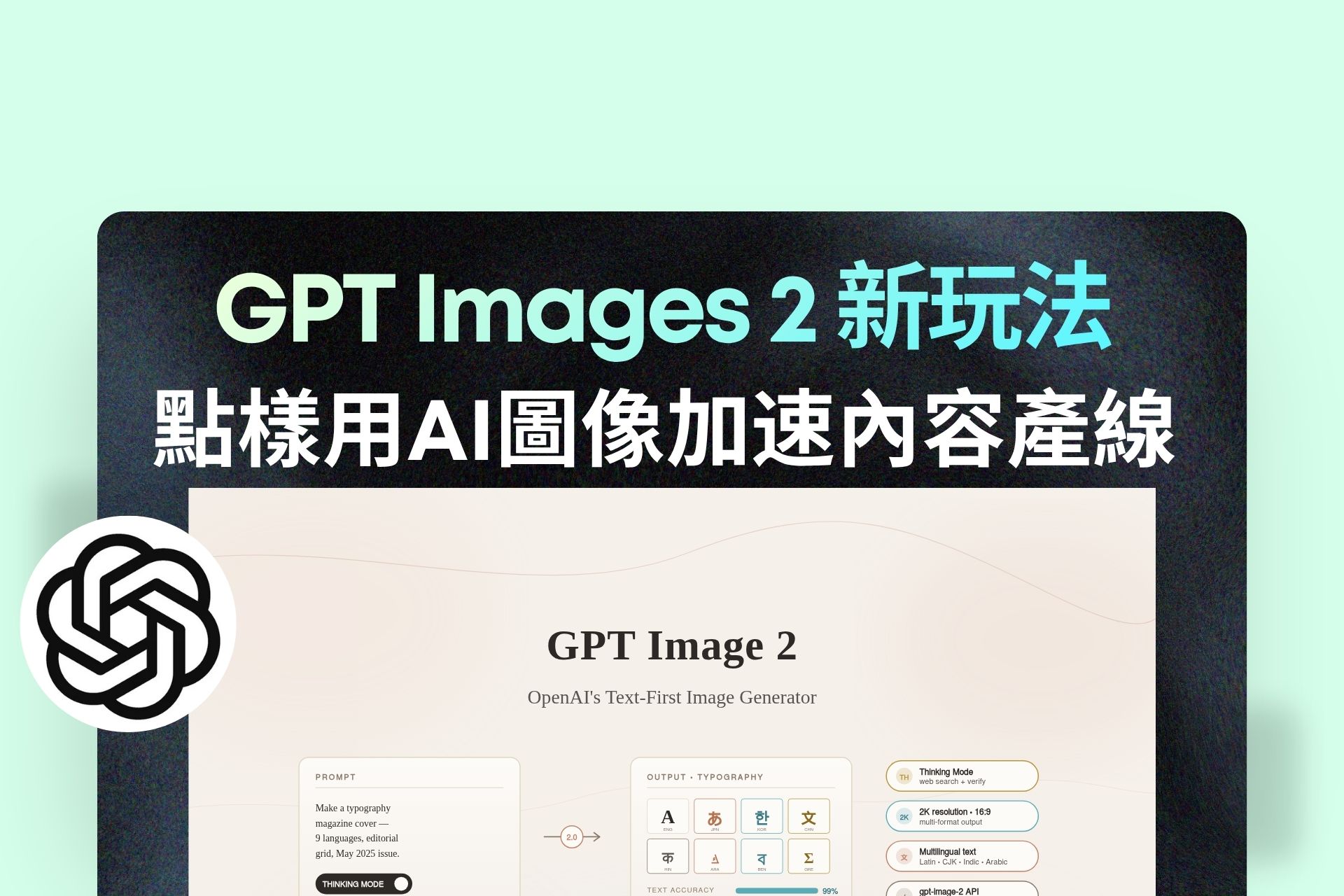
GPT Images 2,其實已經唔只係生成圖片,而係一個可以幫你:
- 批量生產內容素材
- 快速測試市場反應
- 優化轉換率
- 建立視覺一致性
今篇文章會拆解4個最實用、可以即刻落地嘅玩法,並且直接附上可用Prompt,幫你即刻用到。
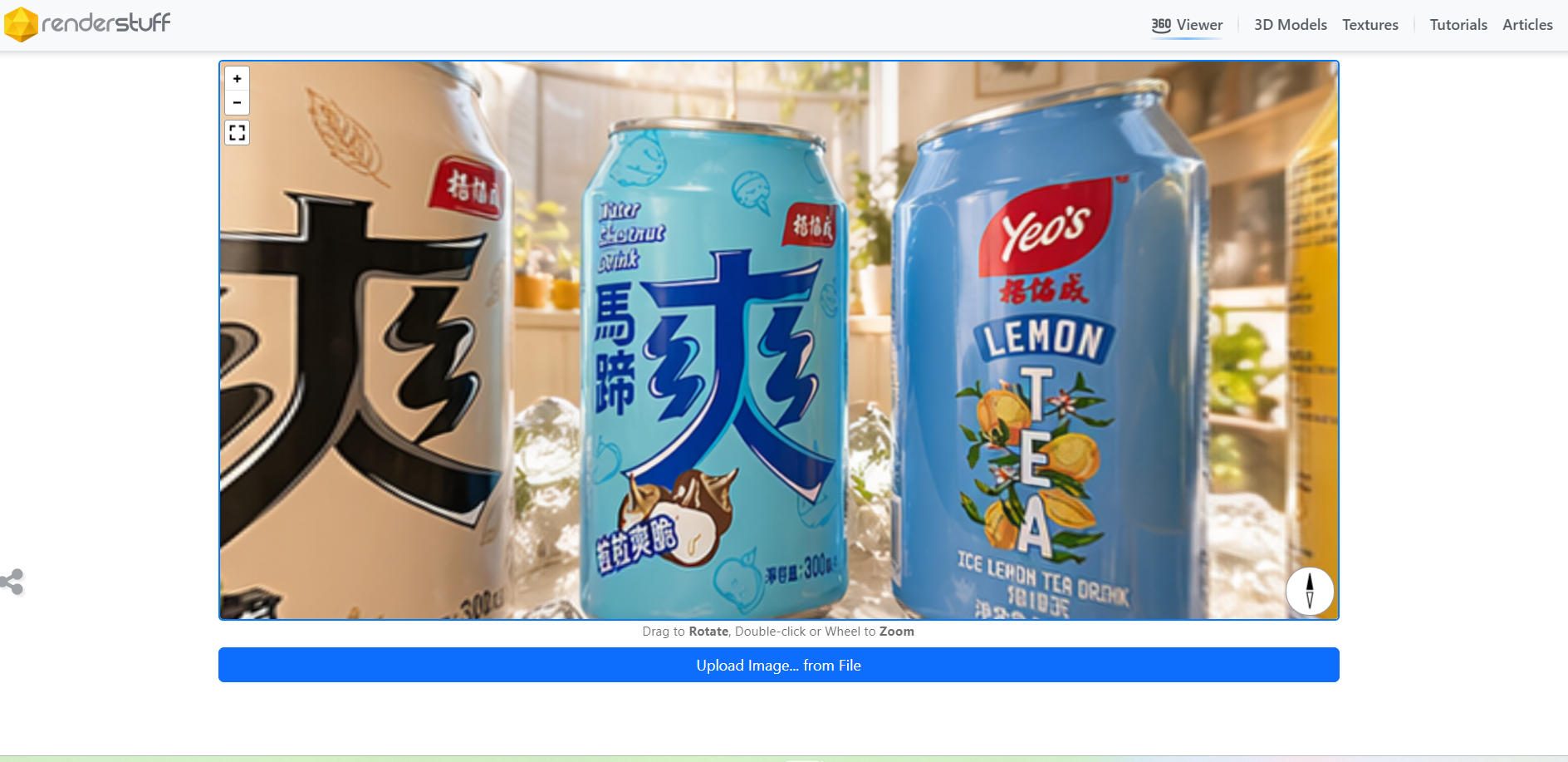
360 Equirectangular Image:將產品頁變沉浸式體驗
大部分產品展示都停留喺「平面圖片」,但用戶已經越嚟越習慣互動式內容。
360 equirectangular image 就係一個低成本升級方案。
點解呢種圖特別有價值?
因為佢可以做到:
- 模擬實體空間(如showroom、店舖)
- 提升用戶停留時間
- 增強產品感知價值
- 適合高單價產品(premium positioning)
可直接用嘅 Prompt(商業版)
360 equirectangular image of a premium product showcase, multiple products arranged across a seamless environment, lifestyle scenes integrated, soft studio lighting, clean luxury commercial style, ecommerce banner, photorealistic, ultra detailed, no visible seams, consistent lighting, correct perspective
關鍵優化字眼(必加)
seamless environment, no visible seams
consistent lighting
correct perspective
photorealistic
ultra wide field of view
如果你冇加以上呢幾個關鍵詞,90%機會會出現:
- 接縫穿崩
- 畫面變形
- 光源混亂

Thumbnail Variations:用AI做視覺A/B Test
如果你有做YouTube、廣告、社交媒體,你會知道:
👉 Thumbnail = CTR生死線
GPT Images 2 可以幫你一次過生成多個版本,再做篩選。
Prompt(生成多版本)
Generate 6 thumbnail variations with different emotional tones (excited, shocked, curious, urgent, confident, dramatic). Use image 1 as base style, incorporate the person from image 2 and 3. High contrast, YouTube style, bold composition, clear focal point, expressive face, dramatic lighting, high CTR design
Prompt(精修指定版本)
Refine the selected thumbnail (second image, last row). Adjust the person's face to closely match the facial features, identity, and expression from the reference images. Keep lighting, composition, and overall style consistent. Improve sharpness and visual clarity.
高轉換Thumbnail 3大關鍵
- 表情誇張(情緒要放大)
- 對比強(光影/顏色)
- 焦點單一(唔好太多元素)
👉 記住:吸睛 > 美感

圖片翻譯:多語內容自動化關鍵一環
如果你做多市場,最大問題一定係:
👉 重做設計太慢 + 太貴
GPT Images 2 可以直接幫你保留設計同時翻譯。
核心 Prompt(最穩定)
Translate all visible text in the image into Traditional Chinese. Preserve the original layout, typography, colors, and design. Do not modify any visual elements except the text.
商業優化版(建議加)
Ensure the translation is natural, marketing-friendly, and culturally appropriate for Cantonese-speaking audiences.
關鍵成功因素
- 保留排版
- 保留字型風格
- 保留視覺層級
如果只係「翻譯文字」,但破壞設計:
👉 轉換率會直接跌

Logo Variations:快速測試品牌方向
品牌初期最難唔係設計,而係:
👉 唔知邊個方向啱
GPT Images 2 可以一次過出多個方向。
核心 Prompt(可直接用)
Create 6 original, non-infringing logo concepts for a company called [company name]. Each logo should reflect a modern, clean, tech-driven brand tone. Use minimalist and geometric styles, scalable vector design, centered composition, generous padding, no watermark, white or transparent background.
風格延伸 Prompt(進階)
Style variations: minimalist, futuristic, geometric, typography-based, icon + wordmark. Use subtle gradients, balanced spacing, strong brand identity, suitable for digital platforms and social media.
真正用途唔係「揀靚」,而係「測試方向」
你應該用嚟:
- 測市場反應
- 測品牌感覺
- 測記憶點
👉 AI幫你縮短決策時間,而唔係取代設計

由工具到系統:建立你嘅AI圖像產線
如果你只係逐個功能用,你只係提升咗「效率」。
但如果你將佢串連:
👉 就會變成「產能」
完整Workflow(可直接用)
Step 1: Generate thumbnail variations (6–10 versions)
Step 2: Select top 1–2 high attention versions
Step 3: Refine face + brand consistency
Step 4: Translate into multiple languages
Step 5: Create 360 product showcase visuals
Step 6: Deploy across ads, social, landing pages
進階優化 Prompt(全局質感提升)
ultra detailed, 8k, professional lighting, depth of field, commercial photography, premium branding, clean background
AI圖像真正價值唔係「靚」,而係「可複製」
GPT Images 2 最強嘅地方唔係畫得靚,而係:
- 可批量生成
- 可快速測試
- 可持續優化
當你開始用佢做:
- variations(測試)
- refine(優化)
- translation(擴展)
你就唔再係「用AI」,而係:
👉 建立緊一條可擴展嘅內容產線。
而未來真正拉開差距嘅,從來唔係工具。
而係——
👉 邊個可以將工具變成系統。