
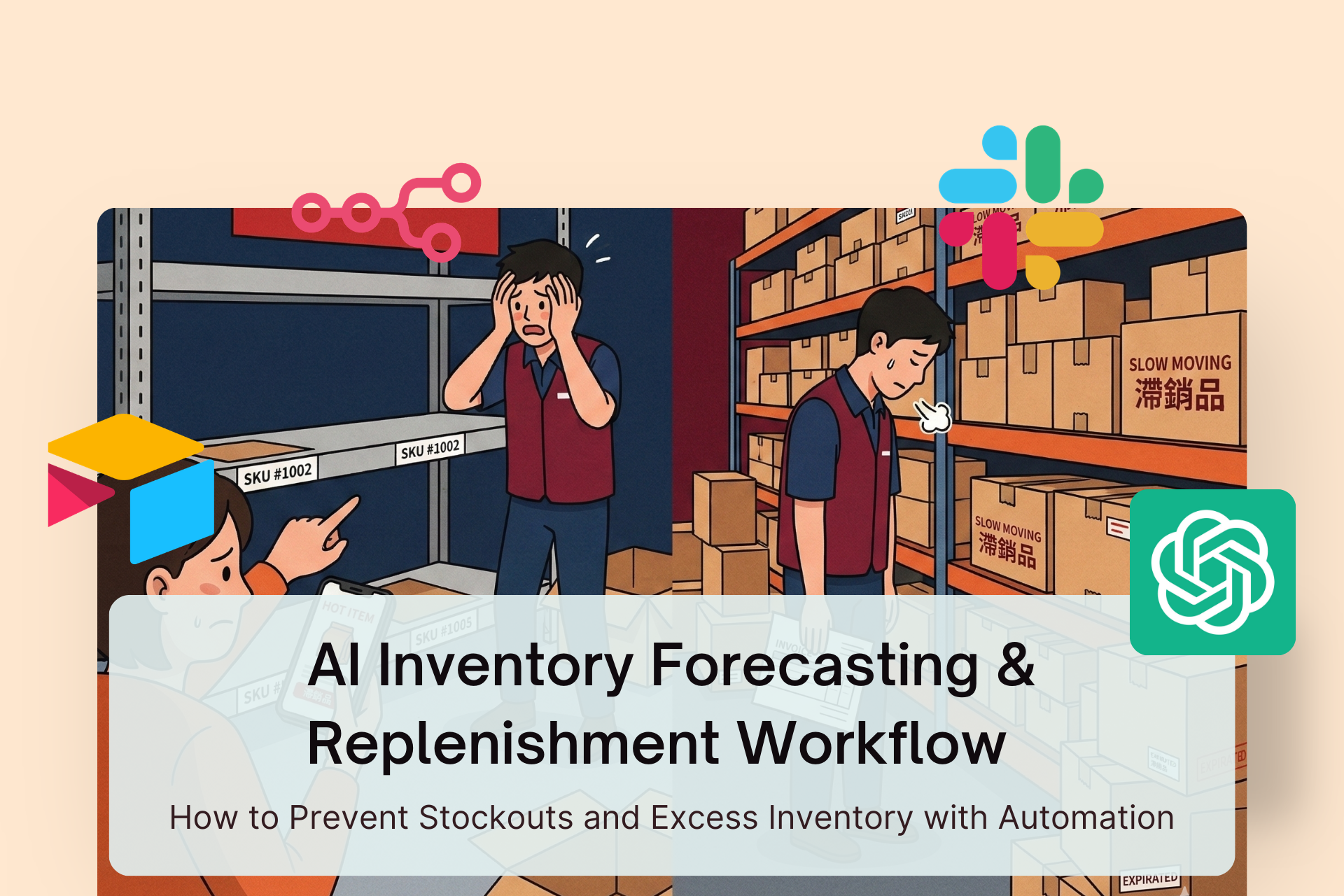
Introduction: Why Most Businesses Struggle with Inventory Decisions
Inventory management is one of the most difficult operational challenges for ecommerce and retail businesses.
You might have experienced situations like these:
- A product suddenly goes viral and sells out within days
- Your marketing campaign works, but inventory runs out
- You overstock products that move too slowly
- Capital gets locked in inventory sitting in a warehouse
These problems usually come down to one root issue:
Inventory decisions are often based on guesswork instead of predictive data.
Many businesses still rely on spreadsheets and manual analysis. That might work with a small catalog, but once the number of SKUs grows and promotions become more frequent, manual planning becomes unreliable.
Today, modern companies use AI-driven demand forecasting and automated replenishment systems to manage inventory more accurately.
With AI, businesses can:
- Analyze historical sales trends
- Predict future demand
- Calculate optimal replenishment quantities
- Monitor anomalies automatically
Instead of manually checking inventory levels every day, you can build an AI inventory forecasting workflow that automatically alerts your team when action is needed.
This article explains how to build that workflow step by step.
1. Data Collection and Integration
Every AI forecasting system starts with clean, centralized data.
Even the most advanced AI models cannot produce reliable predictions if the data is fragmented.
A common problem for many companies is that their data lives in different systems:
- Sales data in ecommerce platforms
- Inventory data in ERP systems
- Promotion schedules in spreadsheets
- Seasonal demand patterns undocumented
This fragmentation makes forecasting extremely difficult.
The first step is to create a centralized inventory database.
Recommended tools
- Airtable
- Google Sheets
These tools act as a lightweight data warehouse for inventory operations.
Key data fields to integrate
A SKU database typically includes the following:
FieldDescriptionSKUProduct identifierHistorical SalesDaily or weekly sales historyCurrent InventoryAvailable warehouse stockIncoming InventoryPurchase orders in transitPromotionsMarketing campaigns and discountsSeasonalityHolidays or seasonal trends
Once these datasets are consolidated, they form the foundation for AI demand forecasting.
2. AI Demand Forecasting (30–90 Days)
After organizing the data, the next step is to predict future demand.
Traditional forecasting methods often rely on simple averages or recent sales performance. However, these approaches ignore critical factors such as:
- Seasonal fluctuations
- Marketing campaigns
- Market trends
- Sudden demand spikes
AI forecasting tools can analyze these complex variables simultaneously.
Recommended tools
- Amazon Forecast
- Google Vertex AI Forecast
These platforms use machine learning to analyze historical data and detect patterns.
What AI forecasting models analyze
Typical forecasting models consider:
- Historical sales trends
- Seasonal demand cycles
- Promotional impacts
- Growth or decline patterns
The output is usually a 30–90 day demand forecast.
Example:
SKU30-Day ForecastA123320 unitsB456150 unitsC78980 units
This forecast becomes the core input for replenishment decisions.
3. Automated Replenishment Calculation
Once demand forecasts are generated, the next question is:
How much inventory should be reordered?
A replenishment decision normally depends on several factors:
- Forecasted demand
- Current inventory levels
- Incoming shipments
- Safety stock requirements
A common replenishment formula looks like this:
Recommended Reorder Quantity =
Forecasted Demand
+ Safety Stock
- Current Inventory
- Incoming Inventory
Large language models can automate this calculation process and perform scenario simulations.
Recommended tools
- ChatGPT
- Claude
These tools can analyze forecasting data and generate replenishment recommendations automatically.
For example:
SKURecommended ReorderA123250 unitsB45690 unitsC78940 units
LLMs can also run scenario simulations, such as:
- Demand surge scenarios
- Seasonal slowdowns
- Marketing campaign spikes
This helps operations teams plan for uncertainty.
4. Inventory Anomaly Detection
Another critical component of inventory automation is detecting unusual patterns early.
Common anomalies include:
- Sudden spikes in product sales
- Inventory dropping below safety thresholds
- Unexpected sales stagnation
Without automated monitoring, these issues may go unnoticed for days.
Automation workflows can continuously monitor inventory databases and trigger alerts when predefined conditions occur.
Recommended tools
- n8n
- Airtable
- Notion
Example monitoring workflow
Automation tools like n8n can run scheduled checks:
- Hourly or daily data scans
- Inventory level comparisons
- Sales velocity monitoring
Triggers may include conditions such as:
- Inventory falling below safety stock
- Sales increasing by more than 200%
When these conditions are detected, the workflow triggers alerts or downstream processes.
5. Automated Notifications and Replenishment Actions
The final step in the workflow is ensuring that the right team members receive actionable insights.
Once the system calculates replenishment recommendations or detects anomalies, it can automatically notify relevant stakeholders.
Common notification tools
- Slack
A typical alert might include:
SKU: A123
Forecasted Demand: 320 units
Recommended Reorder: 250 units

Reason:
Sales increased by 180%
Inventory below safety stock
With this information, procurement or operations teams can quickly:
- Place new purchase orders
- Adjust marketing campaigns
- Reallocate inventory between warehouses
Because the monitoring and calculations run automatically, teams no longer need to manually check inventory dashboards every day.
Practical Implementation Framework
A simplified implementation process may look like this:
Step 1
Create a centralized SKU database using Airtable or Google Sheets.
Step 2
Integrate data sources including:
- Historical sales data
- Inventory levels
- Promotion schedules
Step 3
Use an AI forecasting tool to generate demand predictions for the next 30–90 days.
Step 4
Use an LLM to compute replenishment recommendations based on forecast results.
Step 5
Deploy an automation workflow using n8n to:
- Monitor inventory anomalies
- Trigger alerts
- Send replenishment notifications
By connecting these components, businesses can create a semi-autonomous inventory decision system.
Conclusion
Inventory management becomes increasingly complex as product catalogs grow and sales channels expand.
Relying on manual forecasting or spreadsheet calculations often leads to:
- Stockouts during demand spikes
- Excess inventory during slow periods
- Capital tied up in unsold goods
AI-powered forecasting workflows change how inventory decisions are made.
By combining demand forecasting, automated calculations, anomaly detection, and workflow automation, businesses can build a system that continuously monitors inventory and recommends actions based on data.
Instead of reacting to inventory problems after they occur, companies can anticipate demand and respond proactively.
Over time, this leads to more efficient operations, improved cash flow, and a more resilient supply chain.
















