
AI Automation Is Confusing—Because Not All Tools Solve the Same Problem
If you’re evaluating AI automation tools today, you’ve probably asked questions like:
- “Should we use Google Workspace Studio or n8n?”
- “Do we really need Make if Gemini can already summarize meetings?”
- “Why do we have AI outputs but nothing actually gets done?”
The confusion doesn’t come from too many tools.
It comes from mixing up two very different layers of automation.
This article will clarify:
- What Google Workspace Studio (Gemini in Workspace) actually is
- How it fundamentally differs from n8n and Make
- When each tool makes sense
- Why the strongest setups often use both together
By the end, you’ll know exactly which tool fits your situation—and why.
What Is Google Workspace Studio (Gemini in Workspace)?

Google Workspace Studio, powered by Gemini, is Google’s native AI layer embedded directly inside
Google Workspace.
Instead of being a separate automation tool, it lives inside:
- Gmail
- Google Docs
- Google Meet
- Google Calendar
- Google Drive
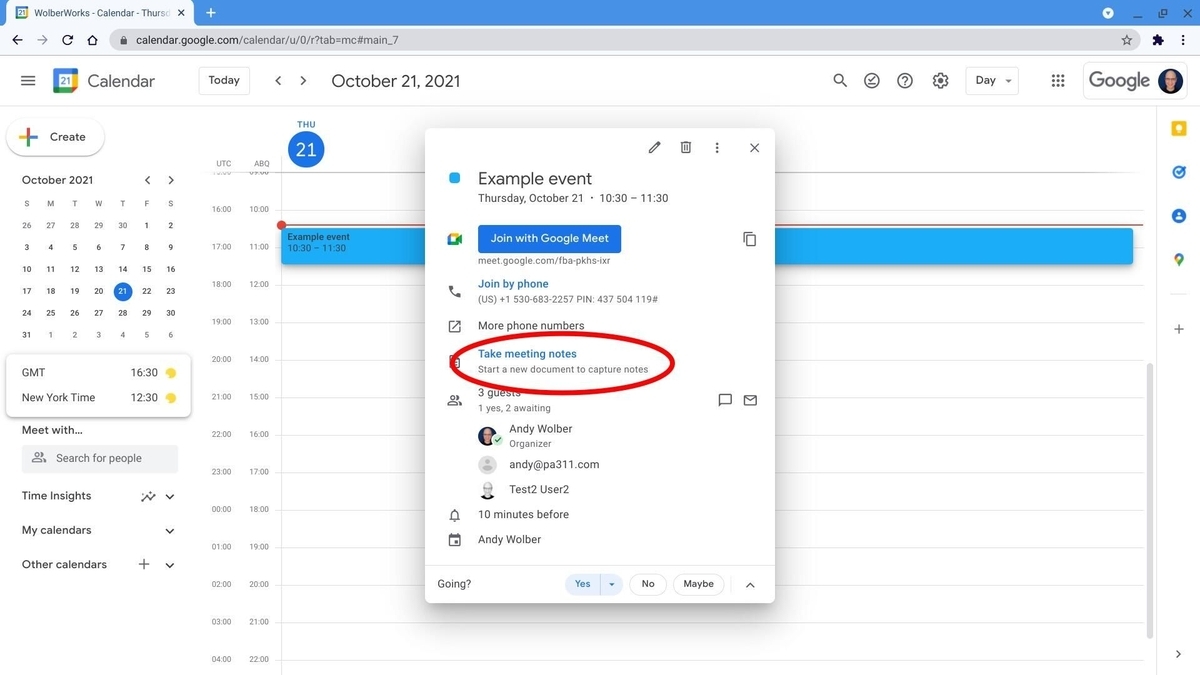
This matters because Workspace Studio doesn’t just process text—it understands context.
What “native context” actually means
When Gemini works inside Workspace, it can automatically understand:
- Which calendar event a meeting belongs to
- Who the participants are (internal, external, department, role)
- Which documents, decks, or threads are related
- How meeting notes, emails, and files are connected
So instead of just producing a summary, Workspace Studio can:
Understand → connect → interpret → suggest next actions
This is a completely different capability from traditional automation tools.
What Are n8n and Make?
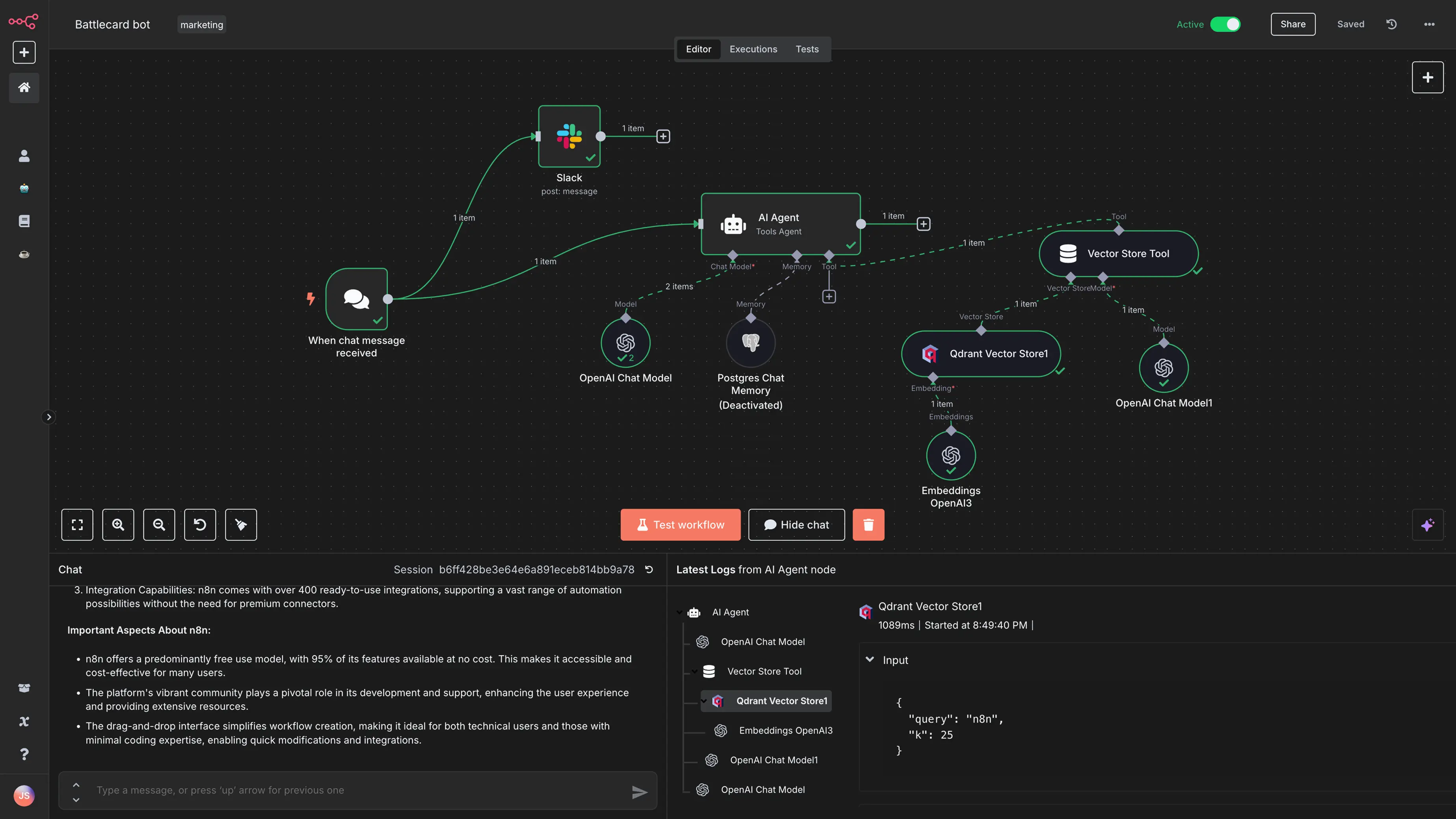
Tools like
n8n and
Make
are workflow automation platforms.
Their job is to:
- Connect multiple systems together
- Trigger actions based on events or rules
- Execute steps reliably across platforms
Typical use cases include:
- Syncing data between tools (CRM, task managers, databases)
- Sending notifications or reminders
- Creating tickets, tasks, or records automatically
- Running scheduled or batch workflows
In short:
n8n / Make are execution engines.
They are excellent at doing things once you tell them exactly what to do.
The Core Difference: Understanding vs Execution
Here’s the mental model that clears up 90% of the confusion:
🧠 Google Workspace Studio = Understanding & Decisions
- Interprets meetings, emails, and documents
- Understands relationships between people, files, and events
- Identifies real action items, owners, risks, and intent
- Reduces friction for users working inside Google Workspace
🦾 n8n / Make = Execution & Orchestration
- Applies deterministic rules
- Moves data across systems
- Ensures tasks, messages, and updates actually happen
- Scales across platforms beyond Google
They don’t compete directly—they operate at different layers.
Why Workspace Studio Often Feels “Smarter”
1. Native context beats extracted data
Workspace Studio doesn’t need you to “rebuild” context in prompts.
For example, after a meeting it can naturally understand:
- What decisions were made
- Which items are commitments vs ideas
- Who is best suited as the owner
- Whether follow-up is internal or client-facing
In contrast, n8n workflows usually look like:
- Pull transcript
- Send text to an LLM
- Parse structured output
- Guess ownership, priority, or deadlines
The AI might be good—but the context is thinner unless you manually add it.
2. Follow-up happens where work already lives
Workspace Studio can:
- Attach action items directly to Calendar events
- Draft follow-up emails in the correct Gmail thread
- Quote original meeting statements as evidence
- Keep everything inside the Workspace UI
This dramatically reduces friction for non-technical teams.
With n8n or Make, follow-up is possible—but you must design:
- Which email thread to reply to
- How to reference the original source
- Guardrails to prevent misassignment or duplication
3. Lower operational and security overhead
Workspace Studio benefits from Google-managed:
- Authentication and permissions
- Domain-level security policies
- Auditing and compliance
- Access control across users
No OAuth setup, token refresh logic, or scope management is required.
By contrast, n8n and Make often introduce long-term maintenance costs:
- API changes
- Node updates
- Permission mismatches
- Multi-user access control
Where n8n and Make Are Still Clearly Better
Workspace Studio is powerful—but it does not replace workflow automation platforms.
1. Cross-platform automation
If your workflows involve:
- Slack
- Notion
- Asana
- Jira
- HubSpot
- Airtable
You need n8n or Make. Workspace Studio stays mostly within Google’s ecosystem.
2. Rule-based, deterministic logic
Examples like:
“If the speaker is a client AND refund is mentioned → open a ticket and alert finance”
These hard rules are where n8n and Make shine.
Workspace Studio is probabilistic and contextual—not a rules engine.
3. Batch and backend automation
- Processing dozens of meetings per day
- Tagging, storing, and reporting data
- Feeding dashboards or analytics systems
These are classic automation workloads that Workspace Studio is not designed for.
The Best Practice: Use Workspace Studio as the Brain, n8n as the Hands
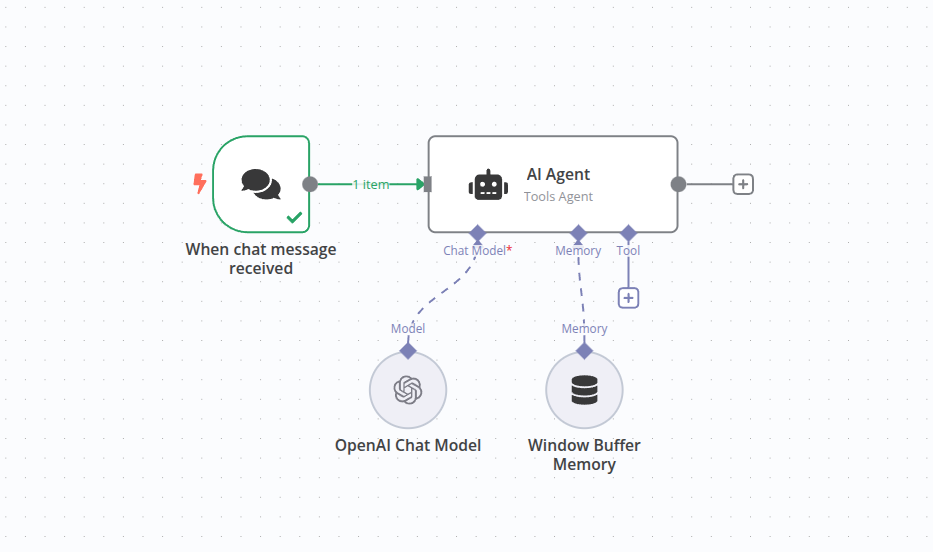
The most effective teams don’t choose one—they combine them.
Recommended architecture
Google Workspace Studio (Brain 🧠)
- Generates high-quality action items
- Assigns owners and deadlines
- Flags risks and priorities
- Provides evidence from meetings or emails
n8n / Make (Hands 🦾)
- Syncs outputs to Asana, Jira, or CRM
- Sends Slack reminders and alerts
- Creates weekly digests or reports
- Enforces rules and consistency
One tool decides what should happen.
The other ensures it actually happens.
How to Decide Which One You Need
Ask yourself:
- Do we struggle more with understanding and clarity? → Workspace Studio
- Do we struggle more with execution across tools? → n8n / Make
- Do we need both clarity and reliable execution? → Use both
Final Thoughts
AI automation fails most often not because the AI is weak—but because it’s used at the wrong layer.
- Google Workspace Studio excels at understanding human work inside Google Workspace
- n8n and Make excel at executing structured workflows across systems
When each tool is used for what it does best, AI stops being “interesting” and starts being operationally useful.
If you want, I can next:
- Turn this into a landing page
- Create a visual architecture diagram
- Write a technical implementation guide
- Adapt it for SEO, LinkedIn, or a newsletter
Just tell me where this blog will be published.
















