
Introduction: You’re Not Using AI — You’re Restarting Every Time
Let’s be honest.
Every time you open a new ChatGPT thread or Claude project, you:
- Re-explain the brand tone
- Re-define the target audience
- Re-paste old meeting notes
- Re-outline the strategy
It feels productive.
But it’s actually inefficient.
The issue isn’t that AI is forgetful.
The issue is that you never built a long-term context system.
For creators, consultants, and AI workflow builders, context isn’t optional background information. It is the strategy.
When context floats:
- LLM depth fluctuates
- Outputs become inconsistent
- Brand voice drifts
- Conversion performance becomes unstable
At NextMaven, we’ve seen this repeatedly.
People adopt more AI tools — but their strategic memory becomes more fragmented.
This article will help you make a crucial shift:
From “starting over every time”
To “continuing accumulated intelligence.”
You’ll learn how to use Obsidian + CLI to build a durable Context Layer — turning AI from a temporary generator into a strategic extension of your memory.
Why Your AI Output Feels Inconsistent
1. Every Thread Is a Parallel Universe
ChatGPT threads are short-term memory containers.
Claude projects are isolated environments.
When your strategic context lives inside SaaS platforms:
- It’s not portable
- It’s not version-controlled
- It’s not cumulative
- It doesn’t belong to you
So each project becomes a slightly different universe.
2. Context Drift = Strategy Drift
Imagine you’re running marketing automation for a client.
Week 1:
You clearly define brand tone as analytical and data-driven.
Week 4:
You forget to restate tone. The AI shifts toward emotional storytelling.
Now:
- Messaging direction subtly changes
- Brand consistency erodes
- The client senses instability
The AI didn’t fail.
Your system did.
What Is a Long-Term Context Layer?
A Long-Term Context Layer is:
A structured, version-controlled, reusable strategic memory system.
It includes:
- Brand positioning
- Audience personas
- Strategic assumptions
- KPI definitions
- Decision logs
- Case studies
- Tone guidelines
And it does NOT live across:
- Notion
- Google Docs
- Slack
- Random AI threads
The core principle:
AI should be the interface.
Memory should be yours.
Using Obsidian as a Strategic Memory Backend
Why Obsidian?
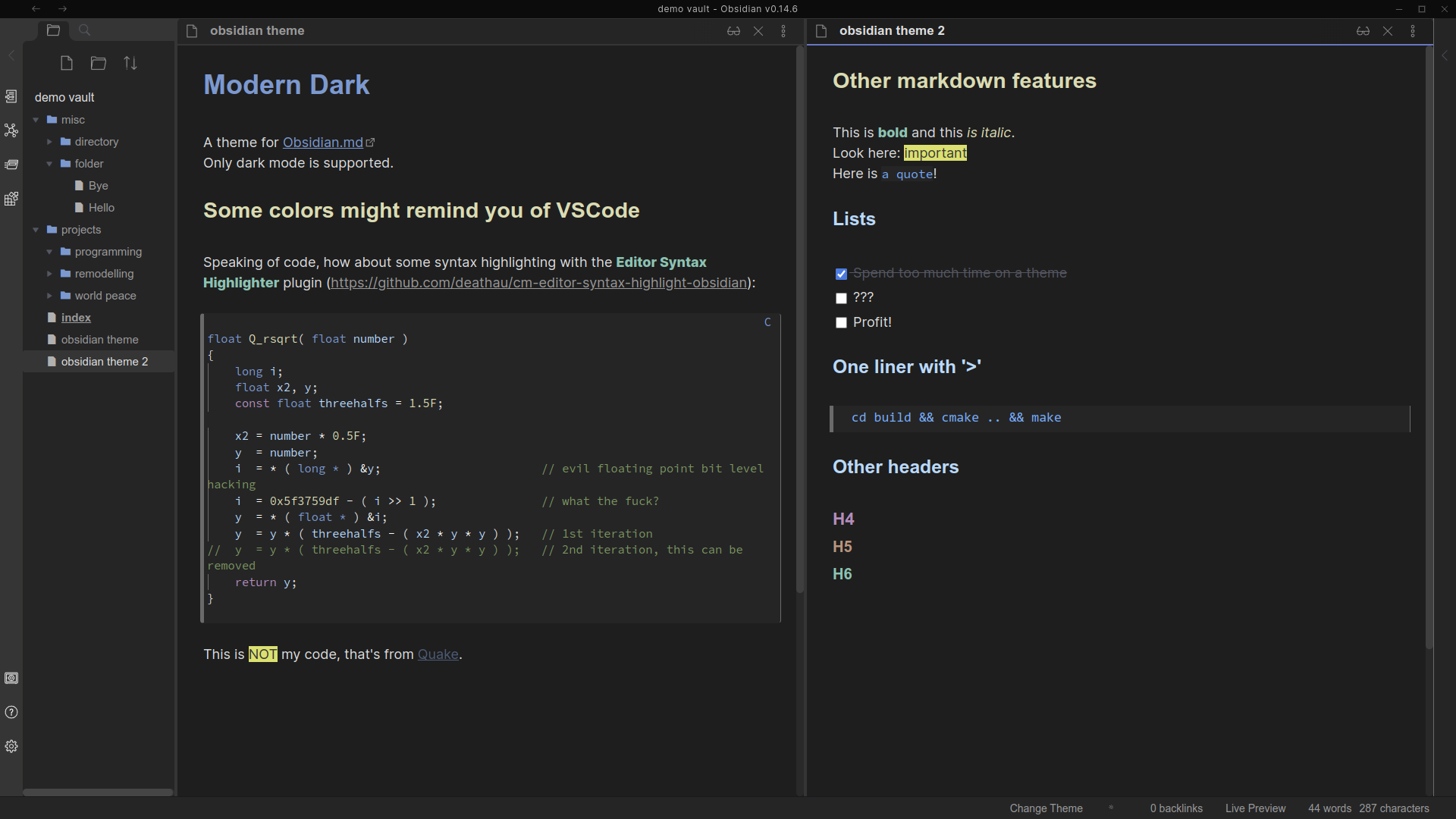
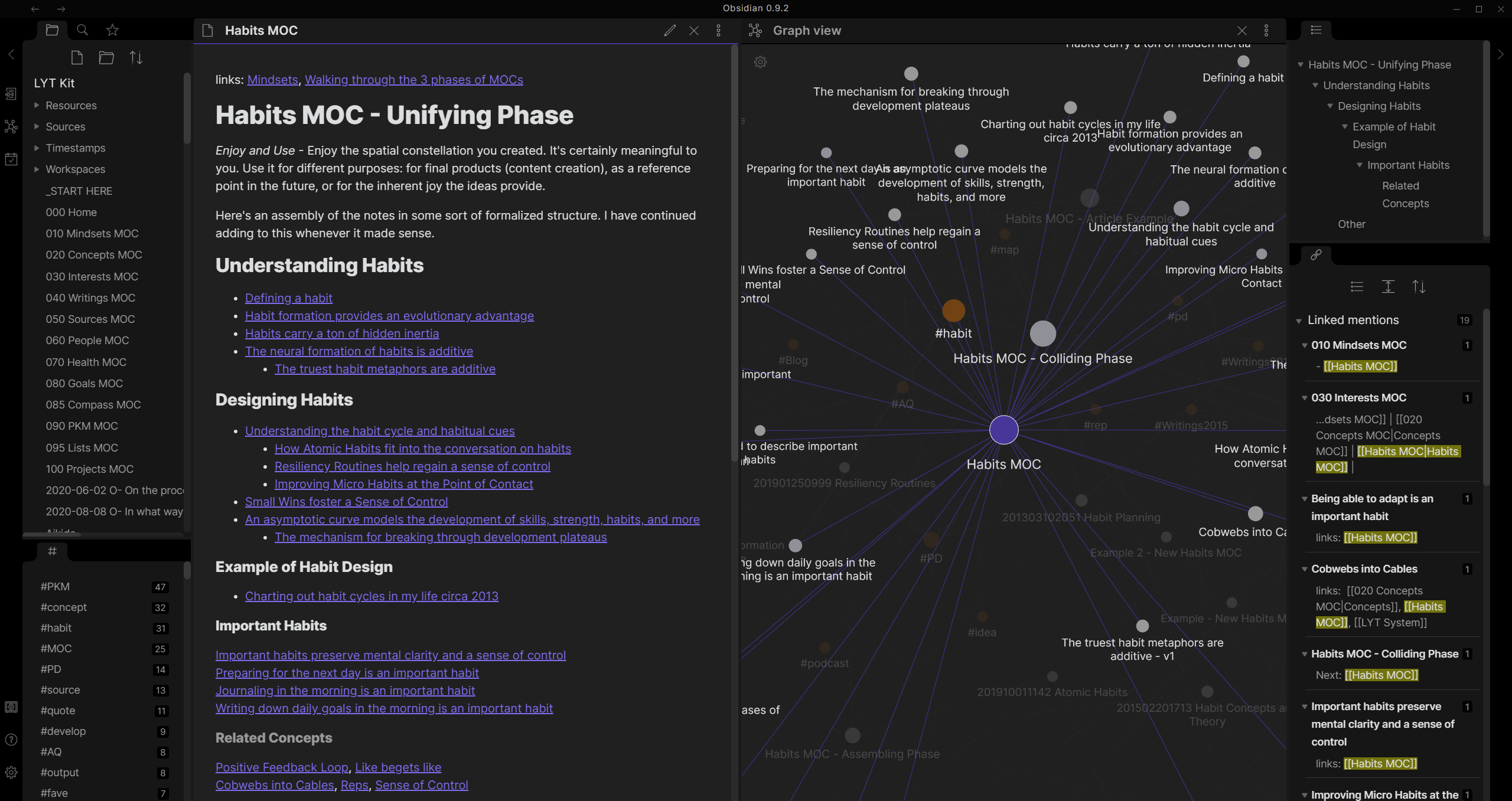
- Local Markdown files
- Vendor-neutral
- Bi-directional linking
- Scriptable
- CLI-accessible
- Version controllable
Obsidian isn’t just a note-taking tool.
Used properly, it becomes a programmable memory system.
Recommended Vault Structure for Consultants & AI Builders
/Clients
   /Client-A
       brand.md
       persona.md
       strategy.md
       tone.md
       decisions.md
       kpi.md
Each file contains structured metadata:
---
type: context
client: client-a
status: active
last_updated: 2026-02-10
---

# Brand Positioning
...
Now your context is:
- Standardized
- Searchable
- Versioned
- Automatable
You’re no longer relying on memory.
You’re building infrastructure.
CLI: Turning Context into a Callable Asset
This is the real upgrade.
If you’re still copy-pasting from notes into ChatGPT, you’re using Obsidian as a second brain.
But once you introduce CLI, it becomes a backend.
What CLI Enables
You can:
- Export client context via one command
- Merge brand + persona + strategy automatically
- Generate formatted system prompts
- Create monthly context snapshots
- Feed AI agents structured memory
Example:
context-export client-a
Output:
System Context:
Brand tone: ...
Target persona: ...
Core positioning: ...
Recent decisions: ...
Active KPIs: ...
Then you paste or pipe that directly into your AI tool.
You’re no longer starting fresh.
You’re loading memory.
“The moment you control the memory layer, you control AI behavior.”
From Instant Generation to Strategic Continuity
Before:
- Re-explaining context
- Re-training every thread
- Output instability
- Brand drift
After:
- Stable strategic backbone
- Consistent AI alignment
- Portable memory across tools
- Tool independence
You move from AI user
to AI architect.
Step-by-Step: Build Your First Context Layer
Step 1: Start with One Client (Don’t Scale Yet)
Create:
- brand.md
- persona.md
- strategy.md
- tone.md
Keep it simple.
Step 2: Standardize Frontmatter
Include:
- type
- client
- status
- last_updated
Consistency enables automation.
Step 3: Create a Simple CLI Script
Basic script functions:
- Locate client folder
- Merge context files
- Generate summary output
- Format as system-ready prompt
You don’t need advanced engineering.
Basic Bash, Node, or Python is enough.
Step 4: Test Output Stability
Open three separate AI threads.
Load the same exported context each time.
Compare outputs.
You’ll notice:
- Higher alignment
- Less drift
- Stronger strategic continuity
That’s not prompt engineering.
That’s memory engineering.
FAQs
Can’t I just use ChatGPT Projects?
You can.
But your strategic memory stays locked inside that platform.
It’s not portable. It’s not future-proof.
Do I need to code?
Not heavily.
Even a minimal CLI wrapper around your markdown files is sufficient to unlock major leverage.
Is this useful for teams?
Even more so.
Founders often hold strategy in their heads.
A context layer converts invisible knowledge into structured company memory.
The Core Shift: You’re Building an AI Backend
Most people believe:
More AI tools = more progress.
But real leverage comes from:
- Tool replaceability
- Memory persistence
- Context version control
- Structured knowledge
When you build a Long-Term Context Layer:
You stop optimizing prompts.
You start engineering systems.
Conclusion: Stop Restarting
If you constantly:
- Copy old context
- Re-explain brand strategy
- Re-align AI every time
You’re not scaling.
You’re accelerating repetition.
The future isn’t better prompts.
It’s durable memory systems.
When you build a programmable memory backend:
- AI becomes stable
- Strategy compounds
- Clients feel depth
- Work scales sustainably
The next frontier isn’t prompt engineering.
It’s Memory Engineering.
















