
Why Everyone Wants “AI to Use the Computer for Me”
If you’re a business owner, solo marketer, or content creator, this probably sounds familiar:
- Too many platforms don’t have APIs
- Too many dashboards are manual-only
- Real automation still means clicking, typing, submitting
Zapier, Make, and APIs work—
until you hit a browser-only workflow.
That’s why one idea keeps coming back:
👉 “What if AI could just use the browser like a human?”
This is how AI Agents + Browser Control exploded in popularity.
But here’s the uncomfortable truth:
90% of these tools are still stuck at the demo stage.
They look impressive.
They fail the moment real work starts.
The Core Problem with Comet & Traditional AI Agents
Many people have tried tools like:
- Comet
- Auto-GPT–style agents
- Generic Browser / Web Agents
The demo usually looks magical:
“The AI opens a website, clicks buttons, fills forms…”
Then reality hits.
Common Failure Patterns
❌ The AI doesn’t know what it actually clicked
❌ Multi-step tasks cause the agent to get lost
❌ Page refresh = total memory loss
❌ Every run behaves differently
❌ Impossible to reliably deliver client work
Why This Happens
They guess the screen.
Most traditional browser agents work like this:
- Screenshot the page
- Use a vision model to guess where buttons are
- Infer what action to take next
What’s missing?
👉 No real action memory.
The AI doesn’t truly know:
- Which element it clicked
- Which step it’s on
- Where to roll back when something breaks
So the moment:
- The page layout changes
- A popup appears
- The task exceeds 5–6 steps
The agent collapses.
Why FlowithOS Is Fundamentally Different
FlowithOS does not guess browser actions.
It actually controls the browser.

Core Design Behind FlowithOS Browser Use
✔ Live, visual browser state (real DOM awareness)
✔ The AI knows every click and input it makes
✔ Each action is recorded and replayable
✔ Errors can roll back to previous steps
✔ Entire flows can be saved as reusable workflows
One-Line Difference That Matters
Traditional agents:
“I think I clicked the blue button.”
FlowithOS:
“Step 3: clicked #submit-button.”
That single difference determines whether automation is:
- A demo toy
- Or a production-ready system
Why Reproducibility Is the Real Deal-Breaker
If you’re running a business, you need workflows that:
- Work today
- Work tomorrow
- Work next week
- Work for clients
If it’s not reproducible, it’s not deliverable.
FlowithOS doesn’t just solve “can AI click buttons?”
It solves:
- Workflow stability
- Error recovery
- Scalability
Side-by-Side Comparison
- Visual Browser Awareness
- Comet / Traditional Agents: ❌ No real visual awareness of the browser state
- FlowithOS Browser Use: ✅ Full visual and structural awareness
- Exact Click Location Tracking
- Comet / Traditional Agents: ❌ Guesses where it clicked
- FlowithOS Browser Use: ✅ Knows exactly which element was clicked
- Step-by-Step Memory
- Comet / Traditional Agents: ❌ Loses context across steps
- FlowithOS Browser Use: ✅ Remembers every action in sequence
- Error Recovery & Rollback
- Comet / Traditional Agents: ❌ Errors usually break the entire run
- FlowithOS Browser Use: ✅ Can roll back to previous steps and continue
- Reproducible Workflows
- Comet / Traditional Agents: ❌ Each run behaves differently
- FlowithOS Browser Use: ✅ Same workflow, same result—every time
- Real-World Deliverability
- Comet / Traditional Agents: ❌ Good for demos, weak for production
- FlowithOS Browser Use: ✅ Ready for real business operations
The Bigger Meaning: AI Finally “Does,” Not Just “Thinks”
Before: AI could think and suggest
FlowithOS enables AI to actually do the work
This marks a shift from:
- Advice → execution
- Content → completion
- Prompts → outcomes
Real Use Cases Where FlowithOS Actually Works
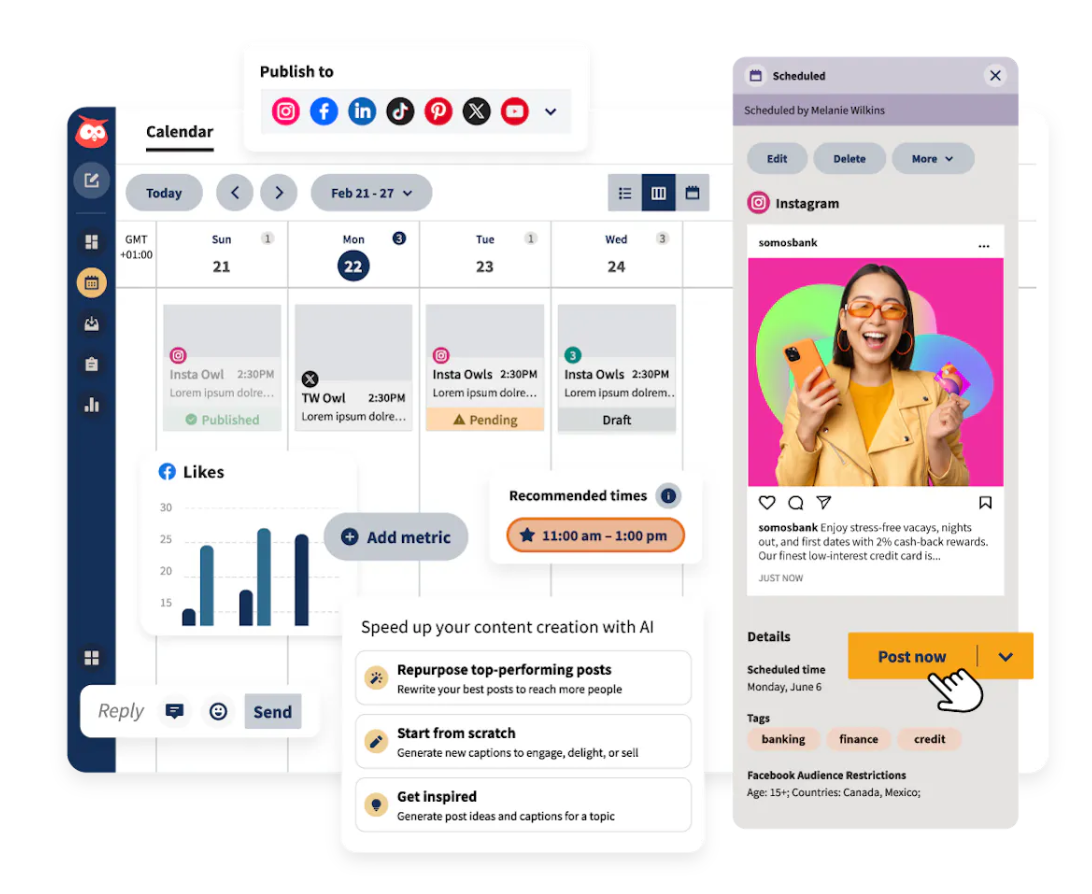
1. Automated Social Posting
- Log into platforms
- Create posts
- Upload images
- Schedule content
2. Automated Form Submissions
- Event registrations
- Vendor onboarding
- Internal systems
(No API required)
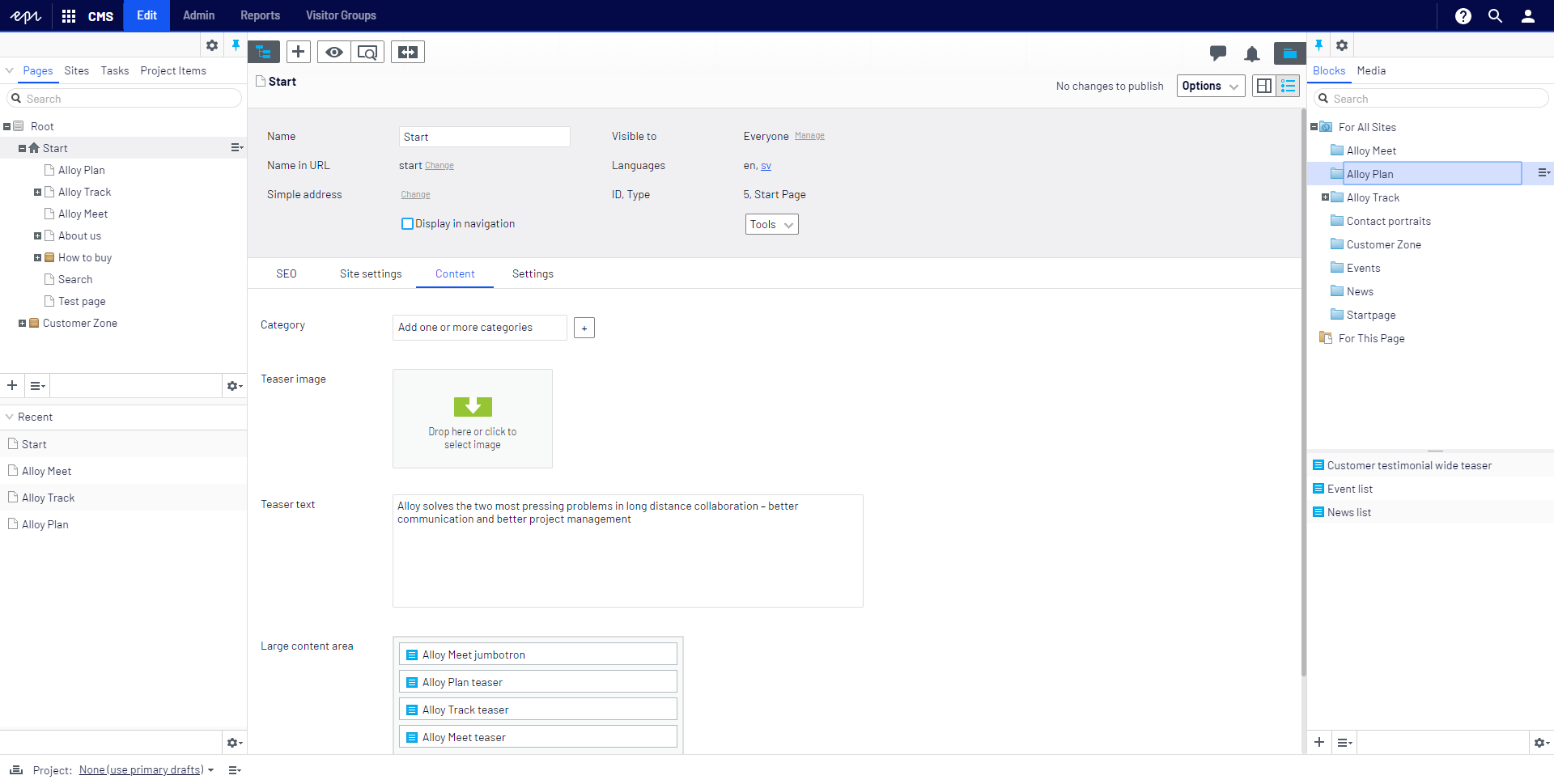
3. CMS & Backend Updates
- WordPress
- Webflow
- Custom admin panels
4. Multi-Step Data Collection
- Paginated browsing
- Filtering
- Copying structured data
All with consistent, replayable execution.
How to Start Using This in Practice
A Simple Implementation Path
- Identify one browser task you still do manually
- Record the full flow in FlowithOS
- Test error recovery and rollback
- Save it as a workflow
- Connect it to your content or marketing systems
This is exactly how many teams inside NextMaven Membership turn browser automation into real business leverage—without duct tape solutions.
Frequently Asked Questions
Q: Is FlowithOS just RPA with AI branding?
A: No. RPA is rigid and rule-based. FlowithOS combines AI reasoning with visual action memory.
Q: What if the website changes layout?
A: It’s far more resilient than traditional agents due to step awareness and rollback.
Q: Is this only for large teams?
A: No. Solo operators benefit the most.
Q: Can this scale?
A: Yes—because workflows are reusable, replayable, and modular.
Why Most Browser-Control AI Fails
The failure isn’t AI intelligence.
It’s architectural design.
- Guessing screens ❌
- No memory ❌
- No recovery ❌
FlowithOS works because it solves the one thing that matters:
AI must know what it has done—step by step—to deliver real work.
If your goal is to:
- Save real time
- Automate backend operations
- Scale content and marketing execution
Browser-level automation is unavoidable.
















